Skip to content

Prompt template

AI Fake Girlfriend Filter Video Prompt Template

Reusable video prompt for AI Fake Girlfriend Filter, with matching VisioArt effect settings and preview media.
Start creatingSee pricing
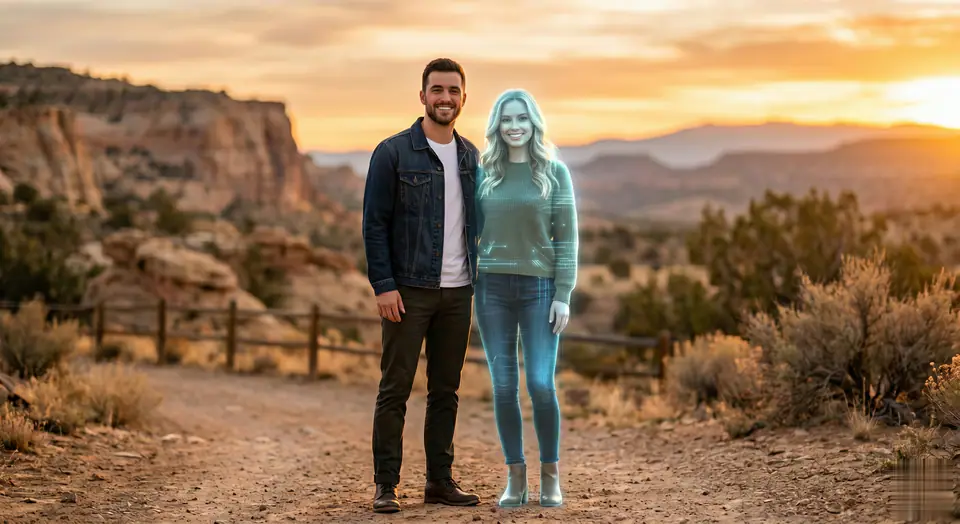
AI Fake Girlfriend Filter Video Prompt Template visual example
videovideo effectinteractionsimage to video
Prompt
Replace the bracketed placeholders, then tune camera, lighting, format, and output constraints for the exact channel.
This is a surreal Western scene, with a virtual girlfriend appearing next to the person in the photo. The lighting is soft and bright, highlighting the natural skin texture and clothing details of the two people (the casual and modern outfits complement the image of the two people). The background is neutral and softly blurred (such as a cozy indoor space or a sunny outdoor area) to keep the focus on the two people. The overall aesthetic is natural and realistic, in line with the style of contemporary Western photography, ensuring a seamless transition between the uploaded person and the generated female image.
Best for
AI Fake Girlfriend Filter clips
interactions effects
Reusable video workflows
Model starting points
Seedance

Related templates

Keep the campaign moving

Use these adjacent prompt patterns when the same campaign needs another asset format.

Ecommerce Product Reveal Video Prompt example
ecommerceproduct videopaid social
Product reveal
A controlled studio reveal for ecommerce launches, PDP loops, and paid social tests.
Open template
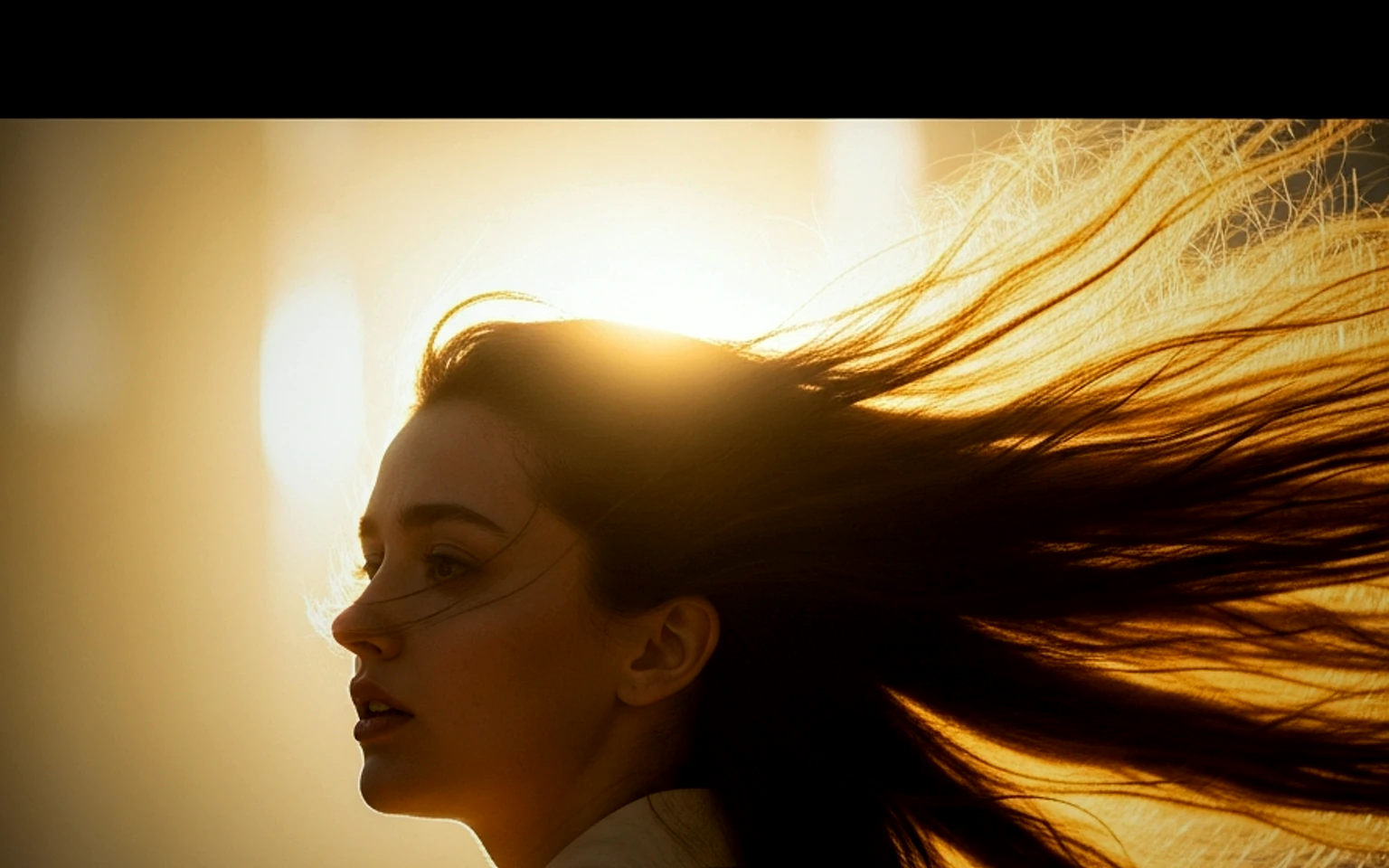
Social Hook Portrait Animation Prompt example
portraitsocial contentcreator
Portrait hook
A creator-style portrait motion prompt for vertical social clips and founder updates.
Open template
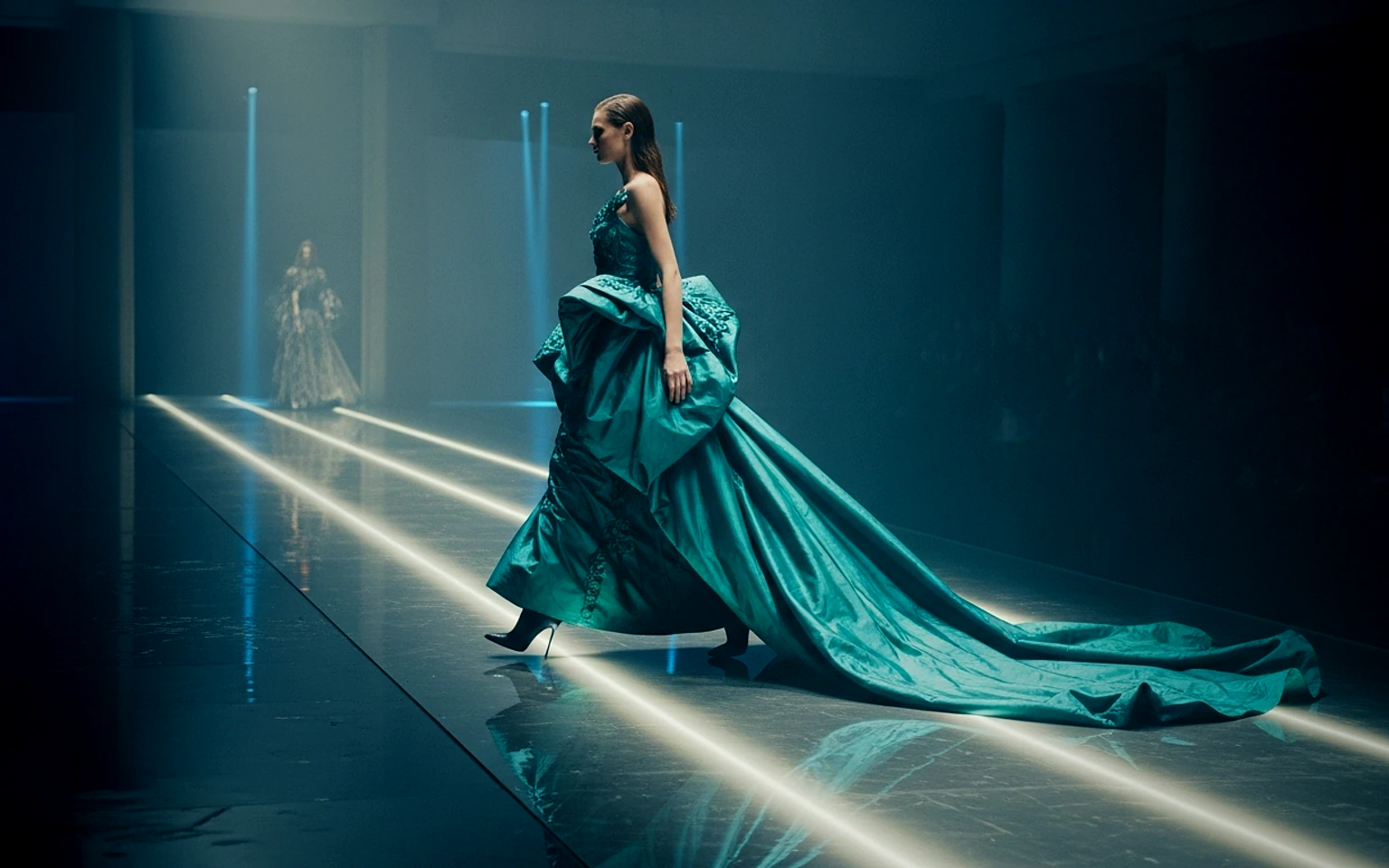
Fashion Lookbook Motion Prompt example
fashionlookbookimage to video
Lookbook motion
Motion for fashion stills with a clean editorial or runway feel.
Open template

FAQ

AI Fake Girlfriend Filter FAQ

Clear answers for buyers comparing workflows, model choices, pricing, and production fit.

Reusable video prompt for AI Fake Girlfriend Filter, with matching VisioArt effect settings and preview media.

Use this prompt inside VisioArt.

Start from the recommended tool, paste the prompt, replace the placeholders, and test the strongest model path.

Open recommended toolBrowse templates