Skip to content

Prompt template

AI Bloom Effect Video Prompt Template

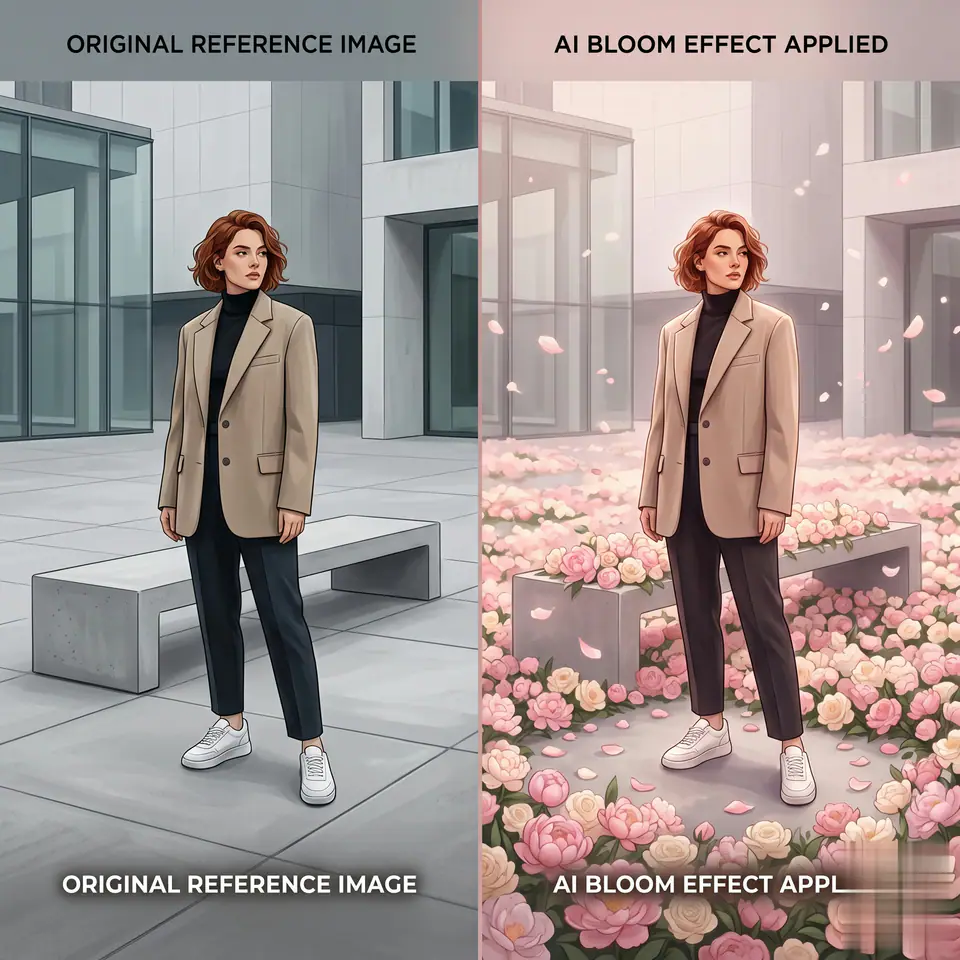
Reusable video prompt for AI Bloom Effect Video, with matching VisioArt effect settings and preview media.
Start creatingSee pricing
AI Bloom Effect Video Prompt Template visual example
videovideo effectinteractionsimage to video
Prompt
Replace the bracketed placeholders, then tune camera, lighting, format, and output constraints for the exact channel.
[MAIN TASK] Transform the uploaded image into a cinematic "Bloom Effect" video where flowers progressively appear and spread across the original scene without changing the environment. [INPUT] User uploaded image (single photo, any subject) [CORE STYLE] Dreamy, romantic, cinematic, soft glow, high aesthetic quality [SCENE PROGRESSION - CONTROLLED BLOOM] 1. Start from the original image (unchanged) 2. Subtle camera push-in or slight parallax 3. Soft light begins to spread across the ground and surfaces 4. Flowers begin to appear in small clusters 5. Flowers rapidly multiply and spread across the scene 6. FINAL STATE: flowers densely cover the visible ground and surfaces [STRICT ENVIRONMENT PRESERVATION - VERY IMPORTANT] - Keep the original location, background, and scene structure EXACTLY the same - Do NOT replace the environment - Do NOT transform the scene into a different place (no fantasy landscape swap) - All flowers must grow ON TOP OF the existing ground/surfaces [FLOWER CONTROL - VERY IMPORTANT] - ONLY generate flowers - NO grass - NO leaves - NO vines - NO bushes - NO extra plants - Flowers should be clean, soft, and visually aesthetic (rose, cherry blossom, peony, etc.) - Petals are allowed, but must match the flowers [FINAL BLOOM STATE - KEY] - Flowers should be dense and abundant - Cover the ground, floor, or visible surfaces naturally - No large empty gaps - Subject remains surrounded by flowers, not buried or distorted - Maintain depth (foreground / midground / background layering) [MOTION DESIGN] - Smooth, slow slightly faster bloom expansion - Gentle floating petals - No chaotic or aggressive motion [SUBJECT PRESERVATION - TOP PRIORITY] - Preserve face, identity, pose exactly - No facial change - No body distortion - Keep original clothing and details [LIGHTING] - Soft, warm, diffused glow - Subtle highlights on flowers - Maintain natural lighting consistency with original image [COLOR STYLE] - Soft pastel tones (pink, cream, light purple, warm gold) - Harmonized with original scene colors [VIDEO SPEC] - Duration: 4-6 seconds - Smooth motion - Hold final frame briefly [NEGATIVE PROMPT] - No background replacement - No environment change - No grass or green vegetation - No vines or leaves - No forest or garden transformation - No face change - No distortion - No cartoon style - No sparse flowers [OUTPUT] A cinematic bloom video where flowers naturally appear and spread across the original scene, covering surfaces with dense blossoms while fully preserving the original environment and subject.
Best for
AI Bloom Effect Video clips
interactions effects
Reusable video workflows
Model starting points
Kling Standard

Related templates

Keep the campaign moving

Use these adjacent prompt patterns when the same campaign needs another asset format.

Ecommerce Product Reveal Video Prompt example
ecommerceproduct videopaid social
Product reveal
A controlled studio reveal for ecommerce launches, PDP loops, and paid social tests.
Open template
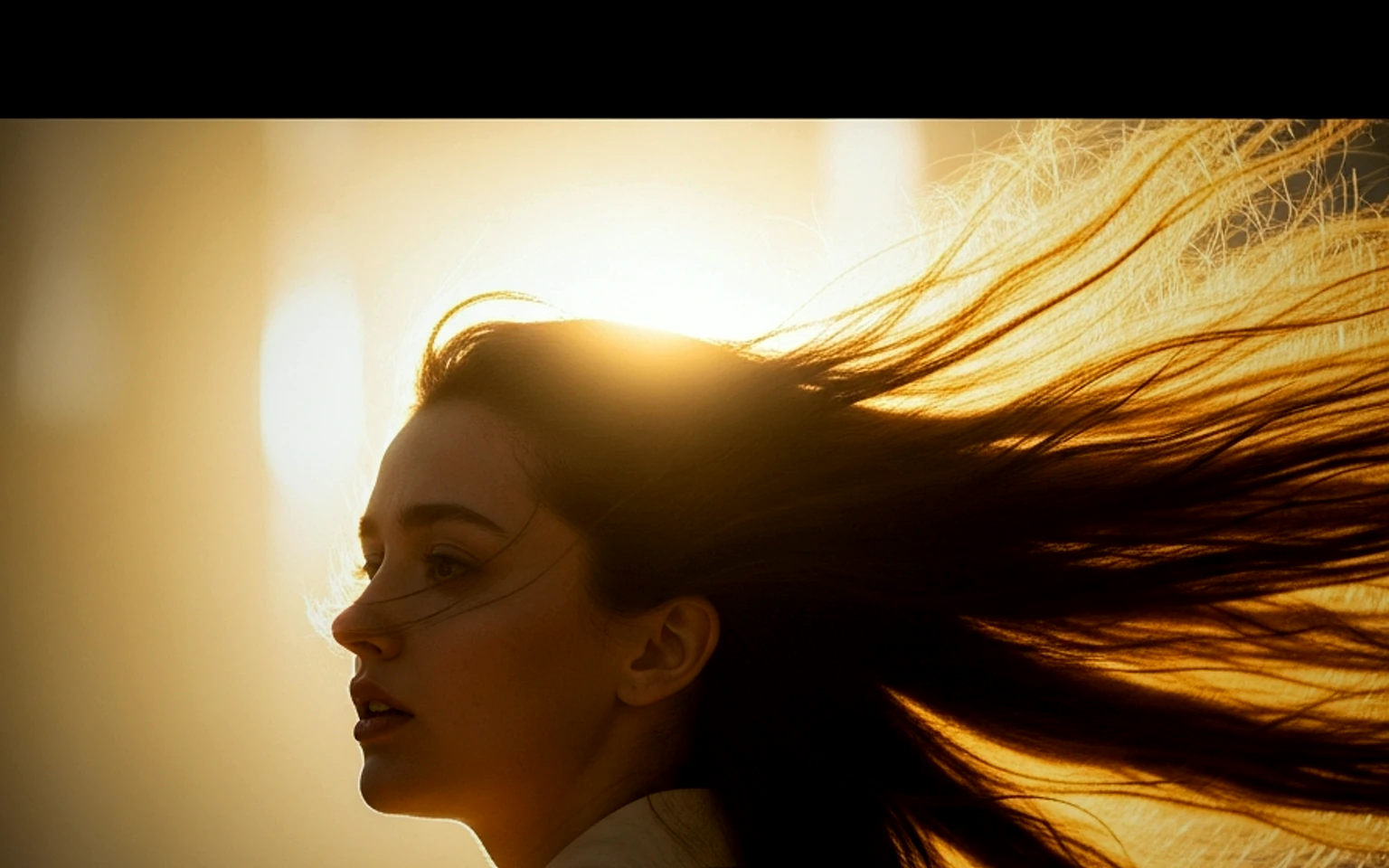
Social Hook Portrait Animation Prompt example
portraitsocial contentcreator
Portrait hook
A creator-style portrait motion prompt for vertical social clips and founder updates.
Open template
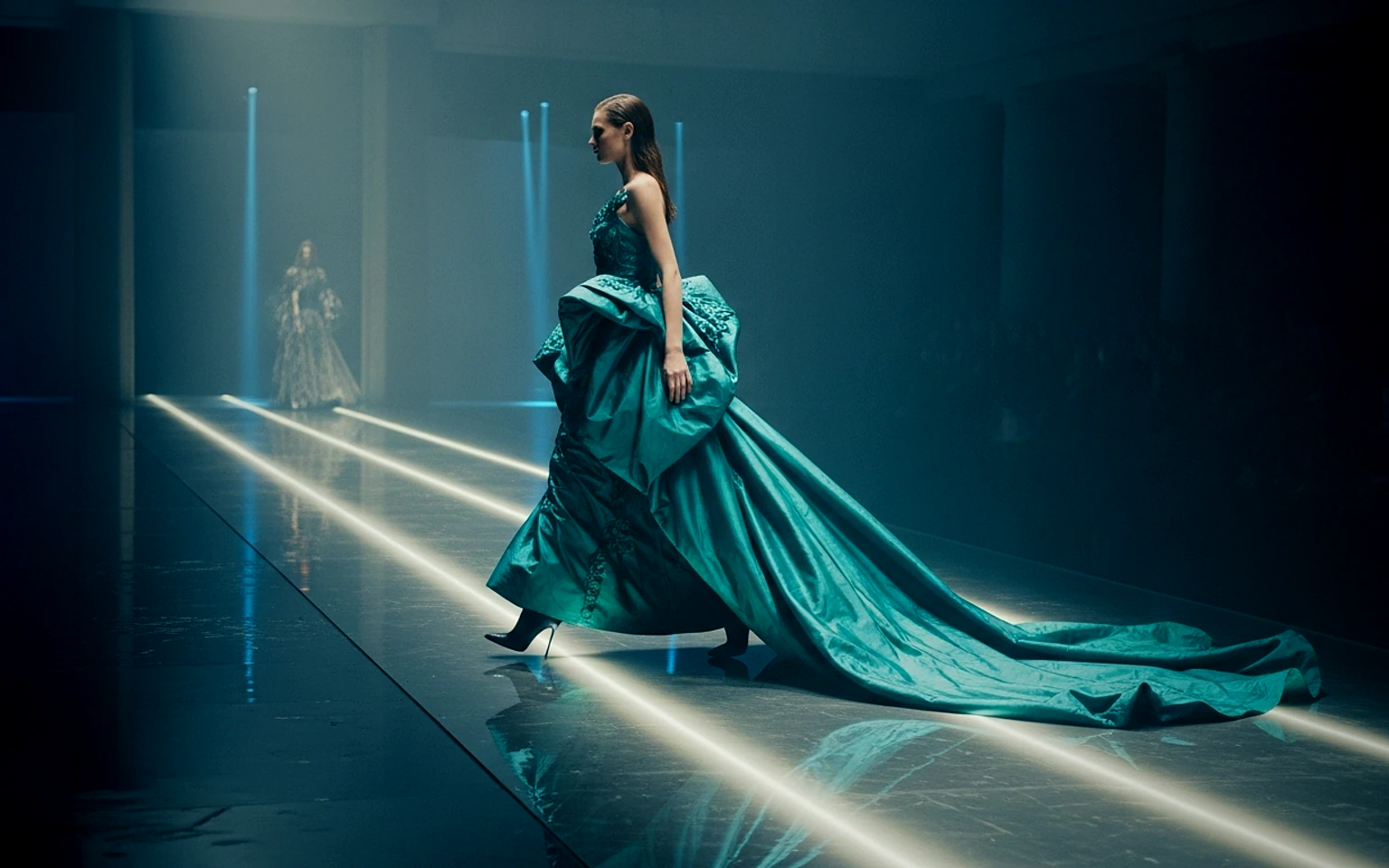
Fashion Lookbook Motion Prompt example
fashionlookbookimage to video
Lookbook motion
Motion for fashion stills with a clean editorial or runway feel.
Open template

FAQ

AI Bloom Effect Video FAQ

Clear answers for buyers comparing workflows, model choices, pricing, and production fit.

Reusable video prompt for AI Bloom Effect Video, with matching VisioArt effect settings and preview media.

Use this prompt inside VisioArt.

Start from the recommended tool, paste the prompt, replace the placeholders, and test the strongest model path.

Open recommended toolBrowse templates