Skip to content

Prompt template

AI Baby Talking Generator Video Prompt Template

Reusable video prompt for AI Baby Talking Generator, with matching VisioArt effect settings and preview media.
Start creatingSee pricing
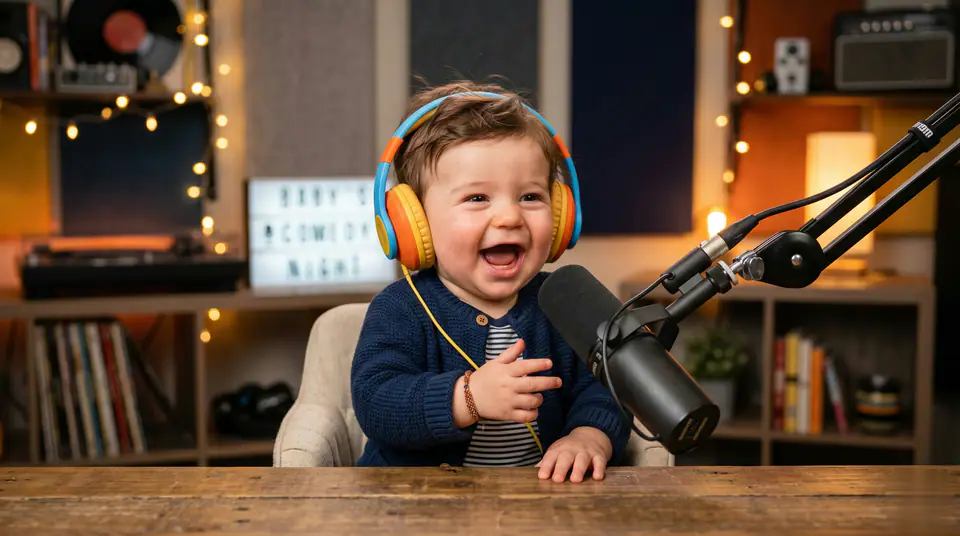
AI Baby Talking Generator Video Prompt Template visual example
videovideo effectentertainmentimage to video
Prompt
Replace the bracketed placeholders, then tune camera, lighting, format, and output constraints for the exact channel.
Create a AI Baby Talking Generator video from the uploaded image. Preserve the subject identity, composition, and key visual details while adding smooth entertainment motion, natural camera movement, coherent lighting, stable temporal consistency, and a short social-ready finish. Avoid warped faces, distorted hands, extra text, logos, or distracting artifacts.
Best for
AI Baby Talking Generator clips
entertainment effects
Reusable video workflows
Model starting points
Veo 3.1 Fast

Related templates

Keep the campaign moving

Use these adjacent prompt patterns when the same campaign needs another asset format.

Ecommerce Product Reveal Video Prompt example
ecommerceproduct videopaid social
Product reveal
A controlled studio reveal for ecommerce launches, PDP loops, and paid social tests.
Open template
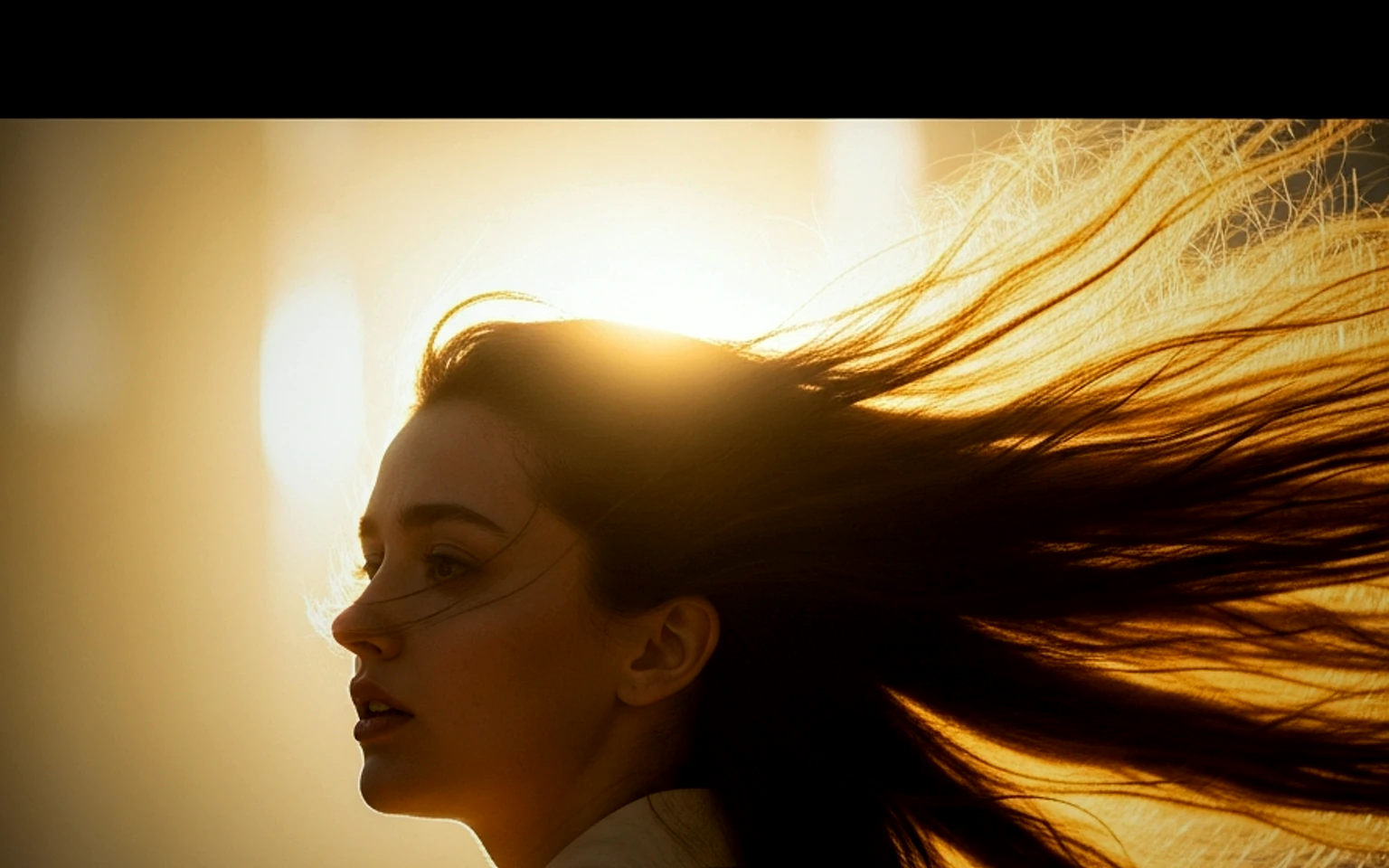
Social Hook Portrait Animation Prompt example
portraitsocial contentcreator
Portrait hook
A creator-style portrait motion prompt for vertical social clips and founder updates.
Open template
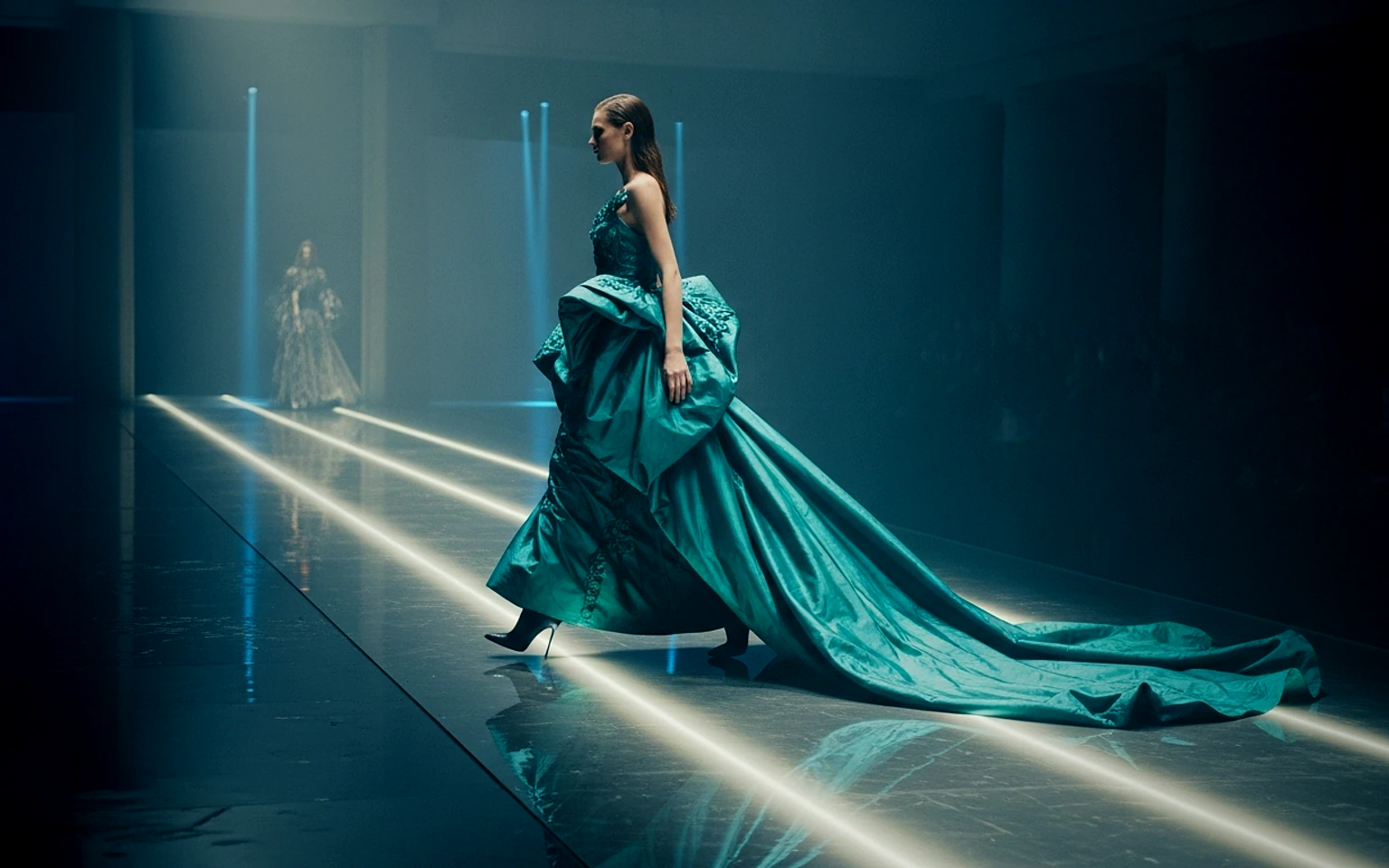
Fashion Lookbook Motion Prompt example
fashionlookbookimage to video
Lookbook motion
Motion for fashion stills with a clean editorial or runway feel.
Open template

FAQ

AI Baby Talking FAQ

Clear answers for buyers comparing workflows, model choices, pricing, and production fit.

Reusable video prompt for AI Baby Talking Generator, with matching VisioArt effect settings and preview media.

Use this prompt inside VisioArt.

Start from the recommended tool, paste the prompt, replace the placeholders, and test the strongest model path.

Open recommended toolBrowse templates