Skip to content

Modelo de prompt

Modelo de prompt para vídeo com IA: Prompt de AI movimento Blur imagem

Modelo pronto para produção para AI movimento Blur imagem, indicado para AI movimento Blur variants e referência guided edits e fluxos claros no VisioArt.
Começar a criarVer preços
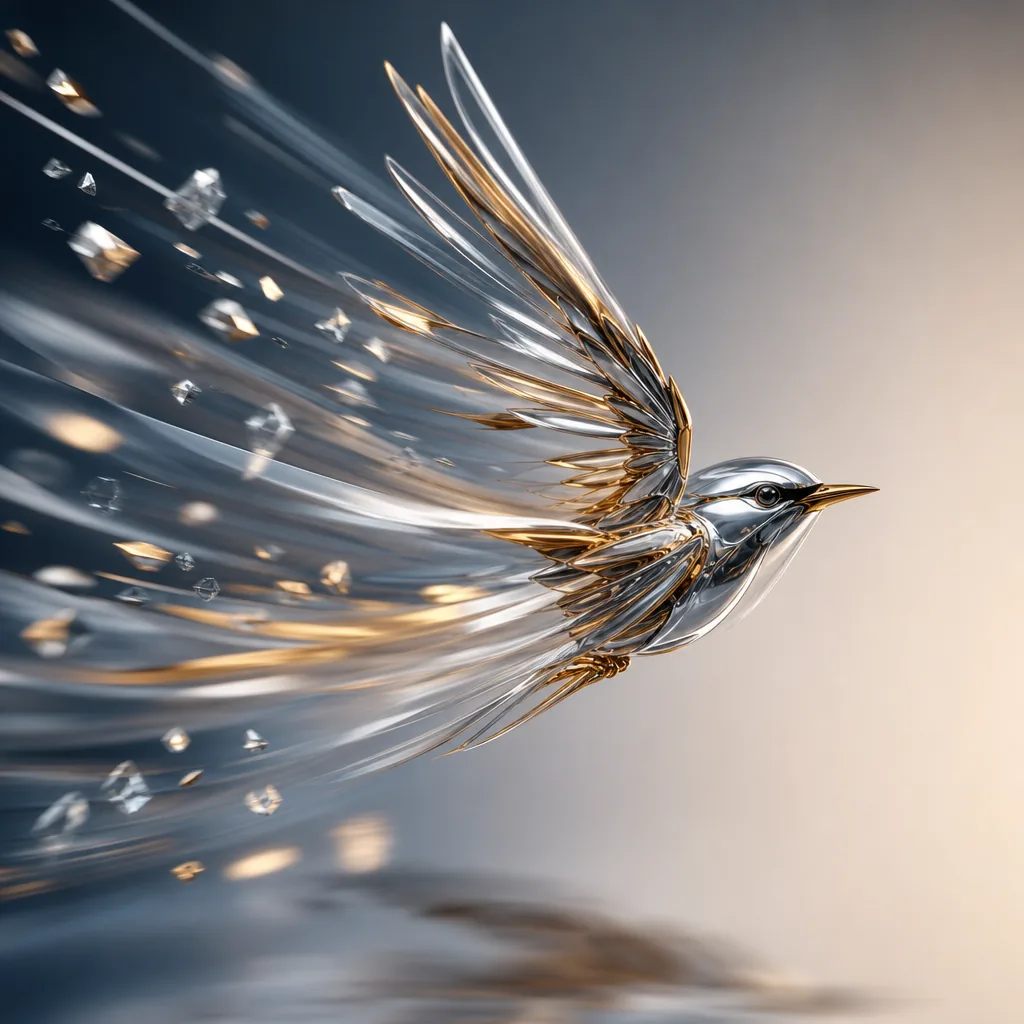
Exemplo visual de Prompt de AI movimento Blur imagem
imagemimagem ediçãootherreferência imagem
Instrução
Substitua os espaços entre colchetes e ajuste câmera, iluminação, formato e restrições de saída para o canal exato.
Analyze the uploaded image and infer the real motion relationship between the main subject, the surrounding environment, and the camera. Do not apply blur based only on whether something is moving. Instead, determine motion blur from relative motion and photographic behavior. First identify the focal subject, the moving regions, the static regions, and the most likely camera behavior, such as a fixed camera, camera panning, subject tracking, or slight camera shake. Then apply realistic motion blur only where it would naturally appear in a real photograph. If the image shows a stationary subject while another object moves past, keep the stationary subject sharp and apply directional blur only to the moving object. If the image shows a moving subject that the camera is tracking, keep the main subject relatively sharp while applying stronger directional blur to the surrounding environment, road, lights, or background. If the image shows a moving subject captured by a fixed camera, allow stronger blur on the subject itself. If both subject and camera move partially together, preserve the subject core while allowing natural blur on edges, limbs, wheels, and nearby background regions. Scale blur intensity, trail length, and edge streaking according to the implied speed and relative motion. Faster relative motion should create stronger and longer blur; slower relative motion should create lighter and shorter blur. Respect scene depth, occlusion, focus, and spatial layering so the result feels physically plausible. Preserve identity, facial features, body proportions, object structure, composition, perspective, colors, lighting, materials, and overall scene content. The final image must look like a real photograph captured with authentic motion blur from real movement or camera exposure, not a generic digital blur filter. Avoid full-image blur, random smearing, ghosting, double edges, fake speed lines, melted structures, inconsistent blur directions, or loss of key subject recognizability.
Indicado para
AI movimento Blur variants
referência guided edits
Reusable imagem workflows
Pontos de partida dos modelos
GPT Image 2Nano Banana 2Seedream 4Seedream 4.5

Modelos relacionados

Continue a campanha

Use estes padrões próximos quando a mesma campanha precisar de outro formato de asset.

Exemplo de Prompt de AI Patch prompt generator imagem
imagemmerchtexto prompt
AI Patch prompt generator imagem
Modelo pronto para produção para AI Patch prompt generator imagem, indicado para AI Patch Generator variants e texto to imagem starts e fluxos claros no VisioArt.
Abrir modelo
Exemplo de Prompt de AI Age Change Filter prompt imagem
imagemimagem ediçãoappearance
AI Age Change Filter prompt imagem
Modelo pronto para produção para AI Age Change Filter prompt imagem, indicado para AI Age Change Filter variants e referência guided edits e fluxos claros no VisioArt.
Abrir modelo

Exemplo de Prompt de AI Body Editor prompt imagem
imagemimagem ediçãoappearance
AI Body Editor prompt imagem
Modelo pronto para produção para AI Body Editor prompt imagem, indicado para AI Body Editor variants e referência guided edits e fluxos claros no VisioArt.
Abrir modelo

Perguntas frequentes

Perguntas frequentes sobre AI movimento Blur imagem

Respostas claras sobre fluxos, modelos, preços e encaixe de produção.

Modelo pronto para produção para AI movimento Blur imagem, indicado para AI movimento Blur variants e referência guided edits e fluxos claros no VisioArt.

Sim. Substitua os marcadores entre colchetes e ajuste câmera, luz, formato, detalhes e restrições de saída para o canal.

Comece pela ferramenta recomendada na página. Se movimento, realismo ou estilo exigirem outra força de modelo, teste caminhos próximos.

Use este modelo no VisioArt.

Abra a ferramenta recomendada, cole a instrução, substitua os espaços reservados e teste o melhor caminho de modelo.

Abrir ferramenta recomendadaExplorar modelos