Skip to content

프롬프트 템플릿

AI 비디오 프롬프트 템플릿: Selfie with Flowers AI 프롬프트 이미지 프롬프트

Selfie with Flowers AI 프롬프트 이미지에 바로 쓸 수 있는 제작용 템플릿입니다. Selfie with Flowers AI variants 및 레퍼런스 guided edits에 맞게 VisioArt 워크플로를 구조화합니다.
제작 시작가격 보기
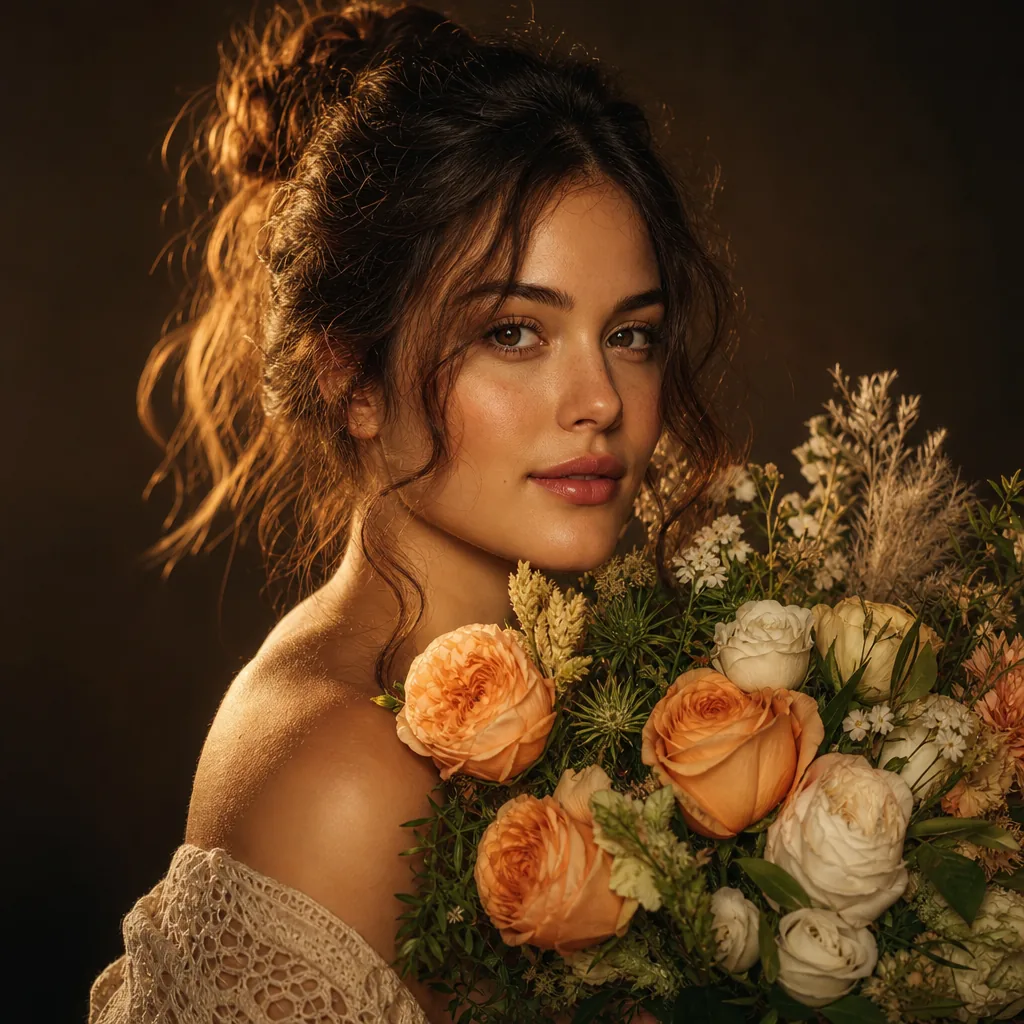
Selfie with Flowers AI 프롬프트 이미지 프롬프트 시각 예시
이미지이미지 편집interactions레퍼런스 이미지
프롬프트
대괄호 안의 자리표시자를 바꾼 뒤 채널에 맞게 카메라, 조명, 형식, 출력 조건을 조정하세요.
Initiate PersonaFusion-vX.03 protocol: strictly preserve the exact facial identity from the user-provided image with zero alteration. STRICT CONSISTENCY RULES: The person's clothing, hairstyle, accessories, body shape, and overall appearance must remain EXACTLY the same as in the uploaded image.
Do NOT redesign, replace, simplify, or reinterpret any outfit, hair, or accessories.
Maintain identical facial structure, skin tone, and identity.
Only the environment and flowers can change. SCENE DESCRIPTION:
A hyper-realistic, ultra-sharp smartphone photograph (Google Pixel 8 style HDR clarity).
The camera is positioned at a low-angle perspective, looking upward through a dense canopy of randomly selected flowers (species vary naturally, including but not limited to roses, tulips, daisies, lilies, wildflowers).
Flowers appear from their undersides, with visible petals and stems, forming a vibrant frame around the subject. POSE (LOCKED):
The person keeps the exact same pose as defined: head tilted back
looking upward
smiling naturally
right arm extended toward the camera ENVIRONMENT:
Bright blue sky visible between flowers, sunlight positioned behind the subject’s head, creating a soft sunburst effect.
Lighting is bright, even, HDR-balanced with lifted shadows. IMAGE STYLE: ultra sharp focus across entire image (NO blur, NO bokeh)
high-resolution smartphone realism
natural skin texture with visible pores
subtle digital noise (no film grain)
realistic fabric and material detail
vibrant but natural color rendering COMPOSITION:
Flowers dynamically frame the subject from above, creating depth and layering.
Vertical portrait format.
적합한 용도
Selfie with Flowers AI variants
레퍼런스 guided edits
Reusable 이미지 workflows
모델 시작점
GPT Image 2Nano Banana 2Seedream 4Seedream 4.5

관련 템플릿

캠페인을 계속 진행하기

같은 캠페인에 다른 에셋 형식이 필요할 때 가까운 프롬프트 패턴으로 이어가세요.

AI Patch 프롬프트 generator 이미지 프롬프트 예시
이미지merch텍스트 프롬프트
AI Patch 프롬프트 generator 이미지
AI Patch 프롬프트 generator 이미지에 바로 쓸 수 있는 제작용 템플릿입니다. AI Patch Generator variants 및 텍스트 to 이미지 starts에 맞게 VisioArt 워크플로를 구조화합니다.
템플릿 열기
AI Age Change Filter 프롬프트 이미지 프롬프트 예시
이미지이미지 편집appearance
AI Age Change Filter 프롬프트 이미지
AI Age Change Filter 프롬프트 이미지에 바로 쓸 수 있는 제작용 템플릿입니다. AI Age Change Filter variants 및 레퍼런스 guided edits에 맞게 VisioArt 워크플로를 구조화합니다.
템플릿 열기

AI Body Editor 프롬프트 이미지 프롬프트 예시
이미지이미지 편집appearance
AI Body Editor 프롬프트 이미지
AI Body Editor 프롬프트 이미지에 바로 쓸 수 있는 제작용 템플릿입니다. AI Body Editor variants 및 레퍼런스 guided edits에 맞게 VisioArt 워크플로를 구조화합니다.
템플릿 열기

자주 묻는 질문

Selfie with Flowers AI 프롬프트 이미지 FAQ

워크플로, 모델 선택, 가격, 제작 적합도에 대한 답을 빠르게 확인하세요.

Selfie with Flowers AI 프롬프트 이미지에 바로 쓸 수 있는 제작용 템플릿입니다. Selfie with Flowers AI variants 및 레퍼런스 guided edits에 맞게 VisioArt 워크플로를 구조화합니다.

가능합니다. 대괄호 안의 자리표시자를 바꾸고 채널에 맞춰 카메라, 조명, 비율, 세부 정보, 출력 조건을 조정하세요.

페이지의 추천 도구에서 시작하세요. 움직임, 사실감, 스타일에 다른 모델 강점이 필요하면 인접한 모델 경로를 테스트하세요.

이 템플릿을 VisioArt에서 사용하세요.

추천 도구를 열고 프롬프트를 붙여 넣은 뒤 자리표시자를 바꾸고 가장 알맞은 모델 경로를 테스트하세요.

추천 도구 열기템플릿 둘러보기