Skip to content

프롬프트 템플릿

AI 비디오 프롬프트 템플릿: AI 크리에이티브 프롬프트

AI 크리에이티브에 바로 쓸 수 있는 제작용 템플릿입니다. AI 크리에이티브 크리에이티브 크리에이티브 및 레퍼런스 크리에이티브 크리에이티브에 맞게 VisioArt 워크플로를 구조화합니다.

제작 시작가격 보기
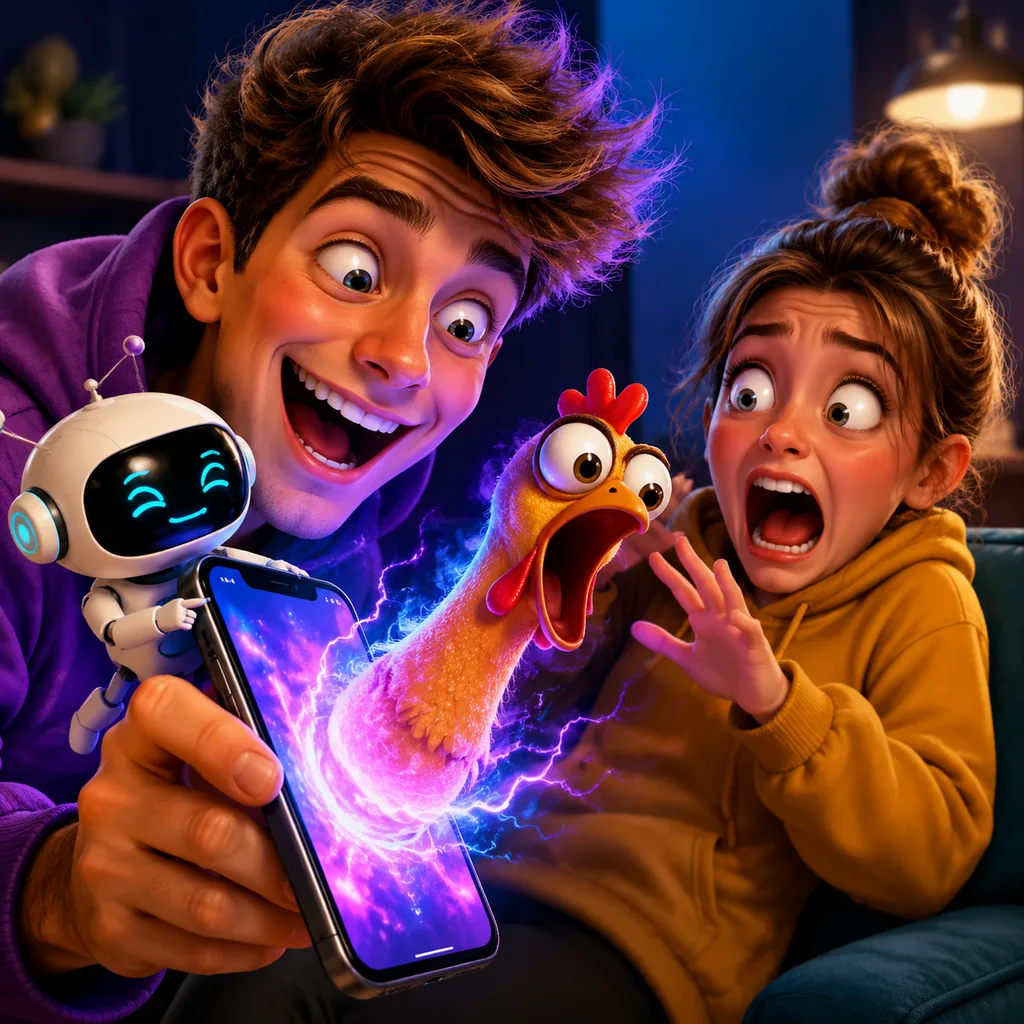
AI 크리에이티브 프롬프트 visual example
이미지이미지 편집크리에이티브레퍼런스 이미지
Prompt
Replace the bracketed placeholders, then tune camera, lighting, format, and output constraints for the exact channel.
Create a highly realistic prank-style disaster photo based on the uploaded image.

Preserve the person’s exact identity, facial features, body shape, hairstyle, skin tone, and clothing.
Do NOT modify the person’s face or replace the person.
Do NOT change the camera angle unless specified.

The scene should look like a real-life photograph, not CGI, not cartoon, not fantasy.
Lighting, shadows, and reflections must match the original photo naturally.
Keep cinematic realism, natural color grading, sharp details.

The person should appear calm, neutral, or slightly indifferent unless otherwise specified.
The added situation must look believable and integrated into the environment.

No text. No watermark. No logo. Photorealistic. High detail.
Best for
AI 크리에이티브 크리에이티브 크리에이티브
레퍼런스 크리에이티브 크리에이티브
크리에이티브 이미지 크리에이티브
Model starting points
Nano Banana 2GPT-4o ImageGPT Image 2GPT Image 1.5

Related templates

Keep the campaign moving

Use these adjacent prompt patterns when the same campaign needs another asset format.

유료 소셜 광고 프롬프트 example
광고크리에이티브소셜 비디오
유료 소셜 광고
유료 소셜 광고에 바로 쓸 수 있는 제작용 템플릿입니다. Meta 광고 및 TikTok 크리에이티브에 맞게 VisioArt 워크플로를 구조화합니다.
Open template
인물 후킹 프롬프트 example
인물소셜 크리에이티브크리에이티브
인물 후킹
인물 후킹에 바로 쓸 수 있는 제작용 템플릿입니다. 크리에이티브 크리에이티브 및 창업자 크리에이티브에 맞게 VisioArt 워크플로를 구조화합니다.
Open template
자동차 히어로 루프 프롬프트 example
자동차히어로 비디오크리에이티브
자동차 히어로 루프
자동차 히어로 루프에 바로 쓸 수 있는 제작용 템플릿입니다. 크리에이티브 크리에이티브 및 자동차 크리에이티브에 맞게 VisioArt 워크플로를 구조화합니다.
Open template

FAQ

AI 크리에이티브 FAQ

Clear answers for buyers comparing workflows, model choices, pricing, and production fit.

AI 크리에이티브에 바로 쓸 수 있는 제작용 템플릿입니다. AI 크리에이티브 크리에이티브 크리에이티브 및 레퍼런스 크리에이티브 크리에이티브에 맞게 VisioArt 워크플로를 구조화합니다.

Use this prompt inside VisioArt.

Start from the recommended tool, paste the prompt, replace the placeholders, and test the strongest model path.

Open recommended toolBrowse templates