Skip to content

프롬프트 템플릿

AI 비디오 프롬프트 템플릿: AI 크리에이티브 크리에이티브 크리에이티브 효과 프롬프트

AI 크리에이티브 크리에이티브 크리에이티브 효과에 바로 쓸 수 있는 제작용 템플릿입니다. AI 크리에이티브 크리에이티브 크리에이티브 효과 크리에이티브 및 크리에이티브 크리에이티브에 맞게 VisioArt 워크플로를 구조화합니다.

제작 시작가격 보기
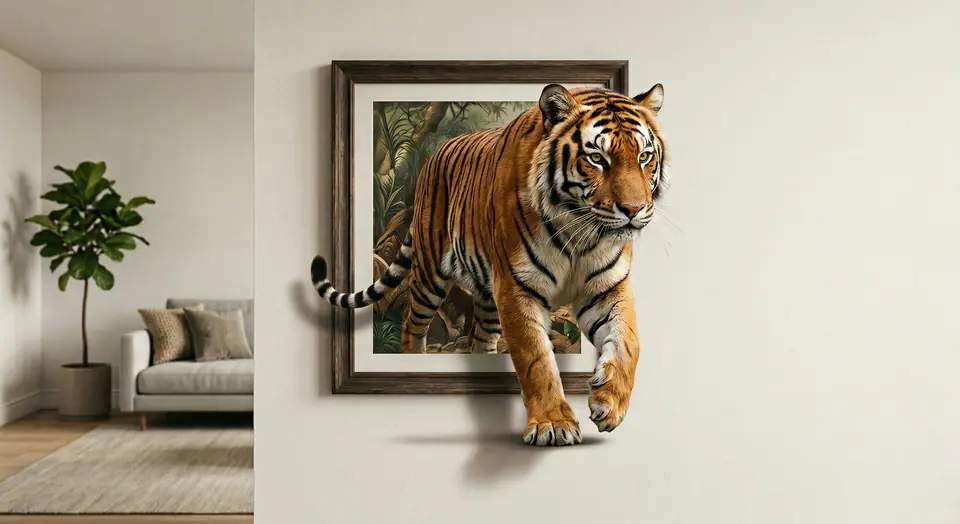
AI 크리에이티브 크리에이티브 크리에이티브 효과 프롬프트 visual example
비디오비디오 효과크리에이티브이미지 크리에이티브 비디오
Prompt
Replace the bracketed placeholders, then tune camera, lighting, format, and output constraints for the exact channel.
Use the input image as the FIRST FRAME and keep it consistent. LOCK the camera completely (no zoom, no pan, no tilt). Keep the background, lighting, and environment perfectly static across the entire video. Replace the frame rule with an AUTO-FIT FRAME rule: the picture frame MUST always fully contain the entire subject at the start, no matter how large or tall the subject is. If needed, the frame automatically expands or adjusts its aspect ratio to fit the whole subject inside WITHOUT cropping. The frame MUST remain a rigid, perfectly rectangular frame (no bending, no warping, no melting), fixed on the wall, same material and style throughout. The frame can only resize ONCE at the very beginning (0-10%) to fit the subject, then stays completely unchanged afterward. The subject MUST remain exactly the same as the input (same identity, texture, colors, proportions). No stylization. No redesign. No duplicates. Animation: the subject slowly climbs OUT of the frame while the frame stays on the wall. 0-25%: the subject leans forward and places ONE limb/edge over the bottom frame border, clearly in front of the frame. 25-55%: a second contact point crosses the frame edge; the torso/upper body moves forward with natural anatomy. 55-85%: more of the subject emerges while the frame remains behind it; add realistic contact shadows where the subject touches the wall surface and the frame edge. 85-100%: the subject pauses half-out, looking toward camera, still attached to the framed image (do NOT fully leave the frame). Clean edges, stable background, no scene change, no transitions.
Best for
AI 크리에이티브 크리에이티브 크리에이티브 효과 크리에이티브
크리에이티브 크리에이티브
크리에이티브 비디오 크리에이티브
Model starting points
Seedance 2 Fast

Related templates

Keep the campaign moving

Use these adjacent prompt patterns when the same campaign needs another asset format.

제품 리빌 프롬프트 example
이커머스제품 비디오유료 소셜
제품 리빌
제품 리빌에 바로 쓸 수 있는 제작용 템플릿입니다. 제품 크리에이티브 및 유료 소셜 크리에이티브에 맞게 VisioArt 워크플로를 구조화합니다.
Open template
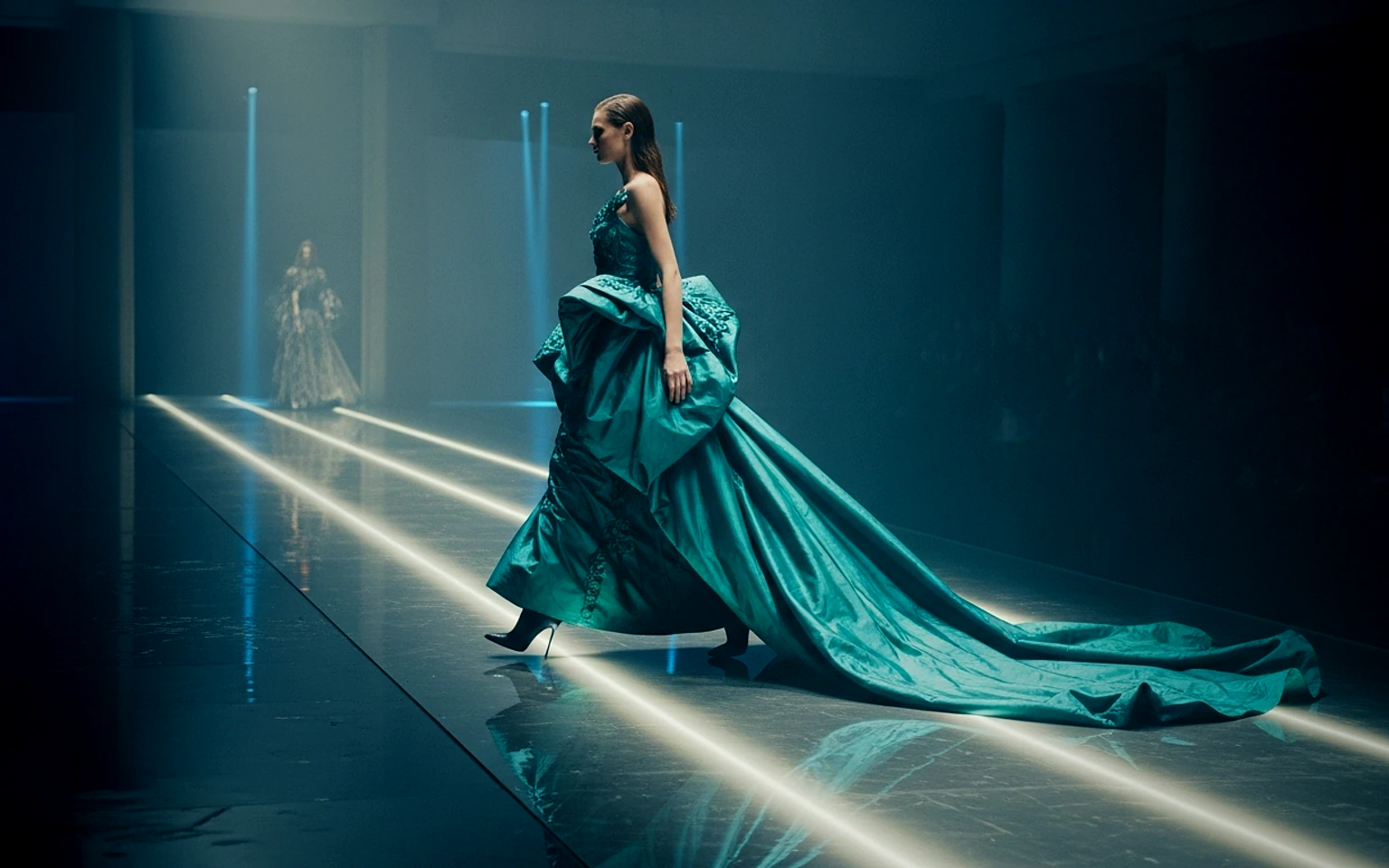
유료 소셜 광고 프롬프트 example
광고크리에이티브소셜 비디오
유료 소셜 광고
유료 소셜 광고에 바로 쓸 수 있는 제작용 템플릿입니다. Meta 광고 및 TikTok 크리에이티브에 맞게 VisioArt 워크플로를 구조화합니다.
Open template
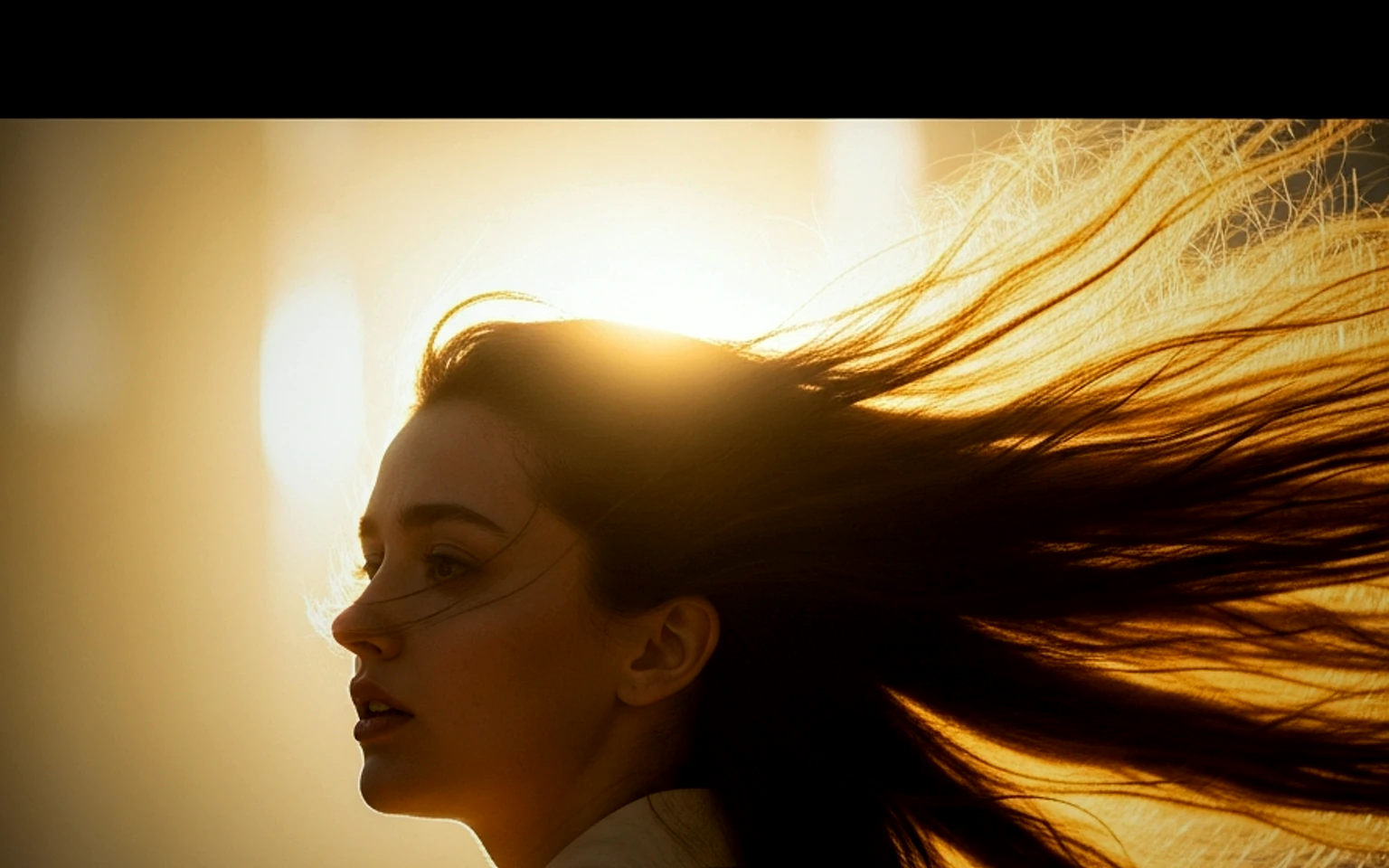
인물 후킹 프롬프트 example
인물소셜 크리에이티브크리에이티브
인물 후킹
인물 후킹에 바로 쓸 수 있는 제작용 템플릿입니다. 크리에이티브 크리에이티브 및 창업자 크리에이티브에 맞게 VisioArt 워크플로를 구조화합니다.
Open template

FAQ

AI 크리에이티브 크리에이티브 크리에이티브 효과 FAQ

Clear answers for buyers comparing workflows, model choices, pricing, and production fit.

AI 크리에이티브 크리에이티브 크리에이티브 효과에 바로 쓸 수 있는 제작용 템플릿입니다. AI 크리에이티브 크리에이티브 크리에이티브 효과 크리에이티브 및 크리에이티브 크리에이티브에 맞게 VisioArt 워크플로를 구조화합니다.

Use this prompt inside VisioArt.

Start from the recommended tool, paste the prompt, replace the placeholders, and test the strongest model path.

Open recommended toolBrowse templates