Prompt-aware output
The default recipe gives the model a specific visual task instead of a vague one-line instruction.
업로드한 소스는 생성 전에 워크스페이스에 저장됩니다. 먼저 로그인하면 원본 이미지를 작업에 계속 연결할 수 있습니다.
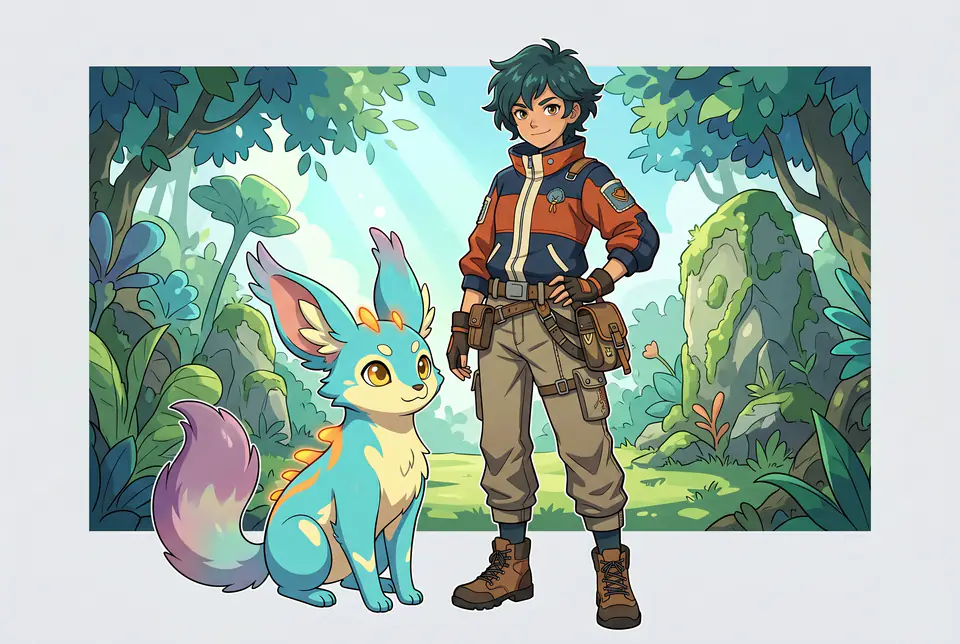
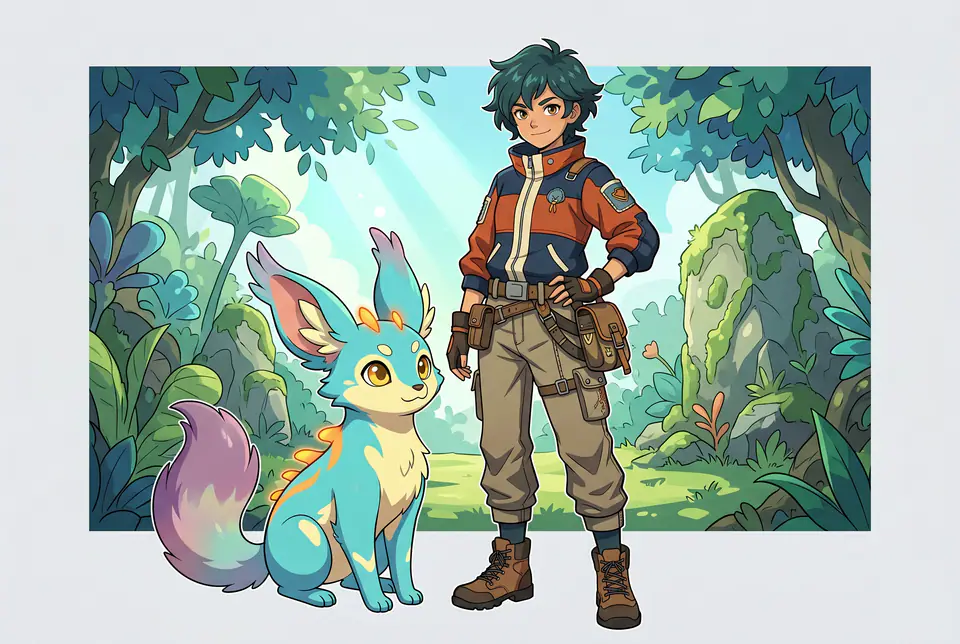
Owned preview assets for AI Original Creature Trainer Generator, produced for this VisioArt workflow and stored locally for consistent page rendering.
AI Original Creature Trainer Generator concept
Image tools
Switch to another generator page when the creative direction, upload requirement, or SEO target should change.
 merch
merchCreate clean patch concepts for jackets, hats, team badges, merch, and brand mockups with a focused image workflow.
 appearance
AI Age Change Filter is a style and appearance transformation configured with its real prompt recipe and one reference image.
 appearance
AI Body Editor is a style and appearance transformation configured with its real prompt recipe and one reference image.
 entertainment
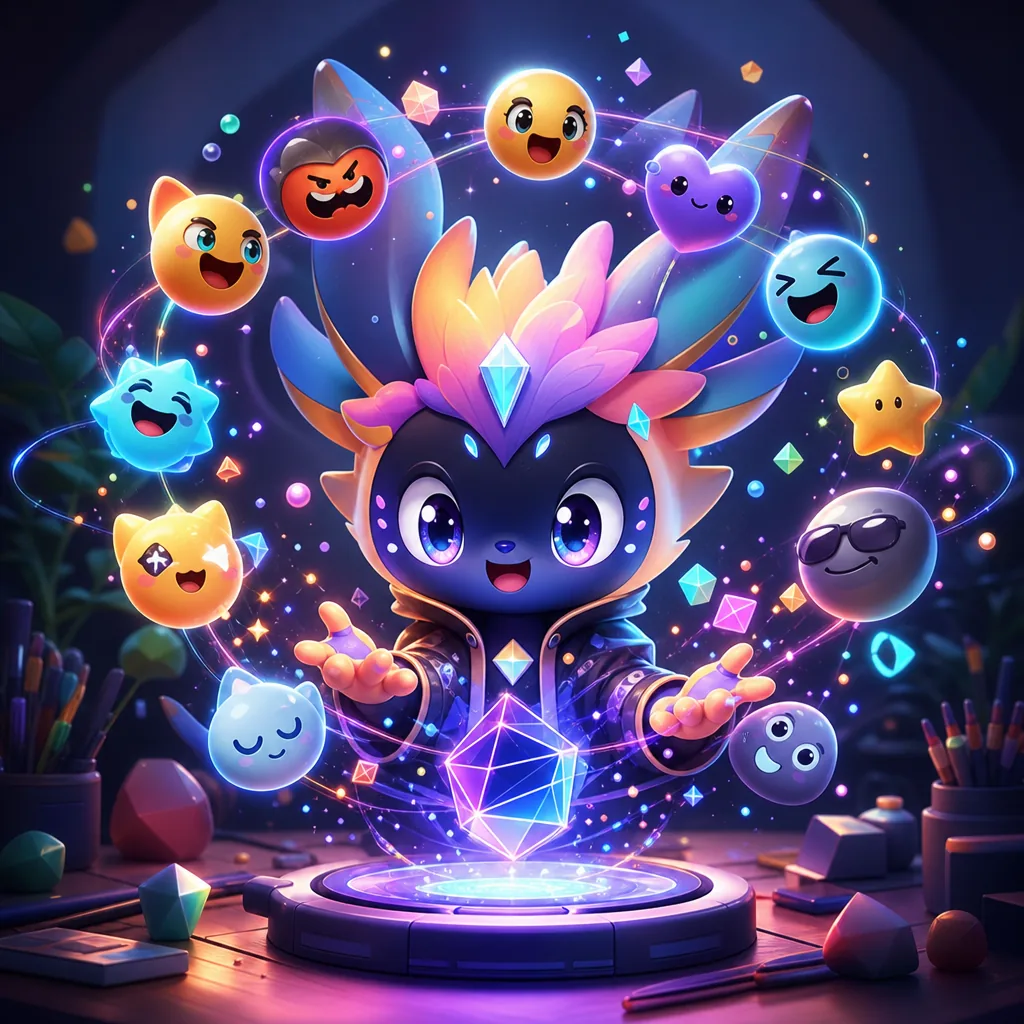
AI Emoji Generator is a playful creative transformation configured with its real prompt recipe and one reference image.
 entertainment
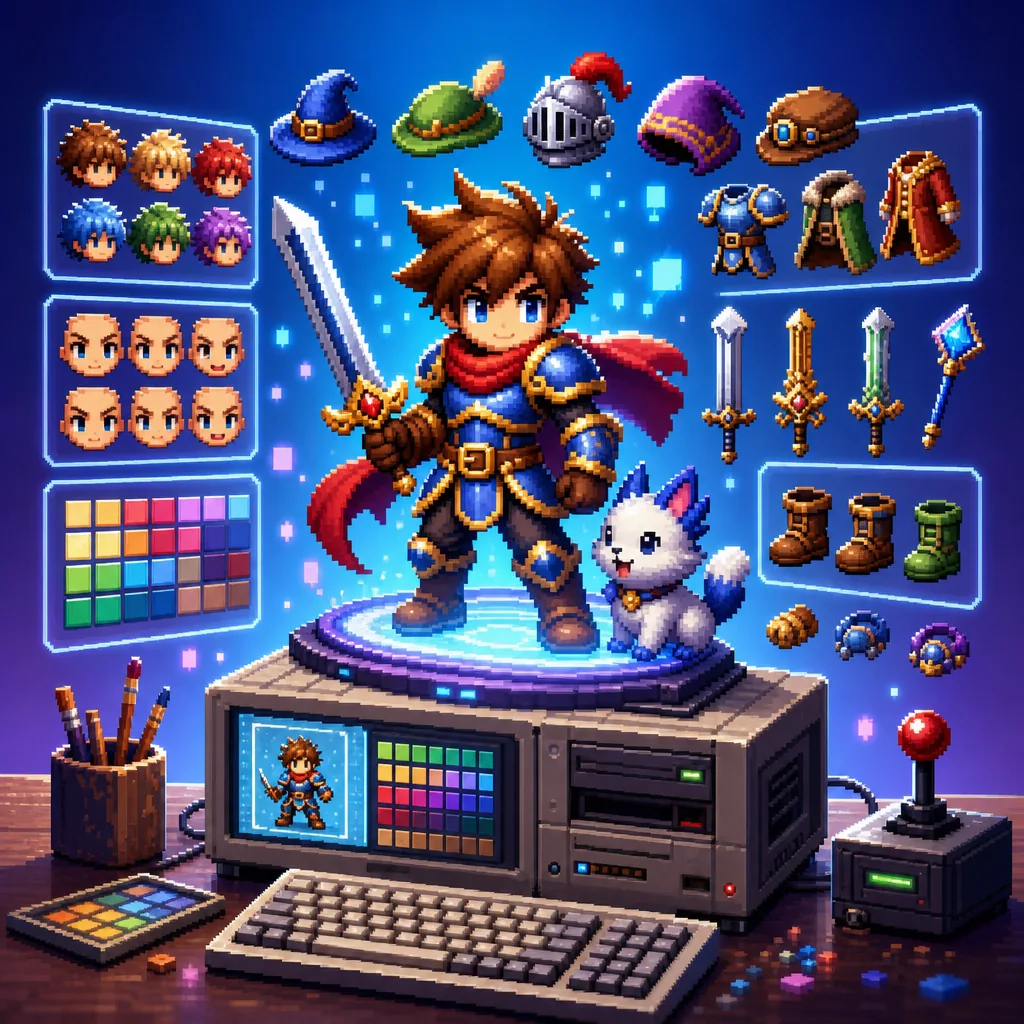
16-Bit Character Generator is a playful creative transformation configured with its real prompt recipe and one reference image.
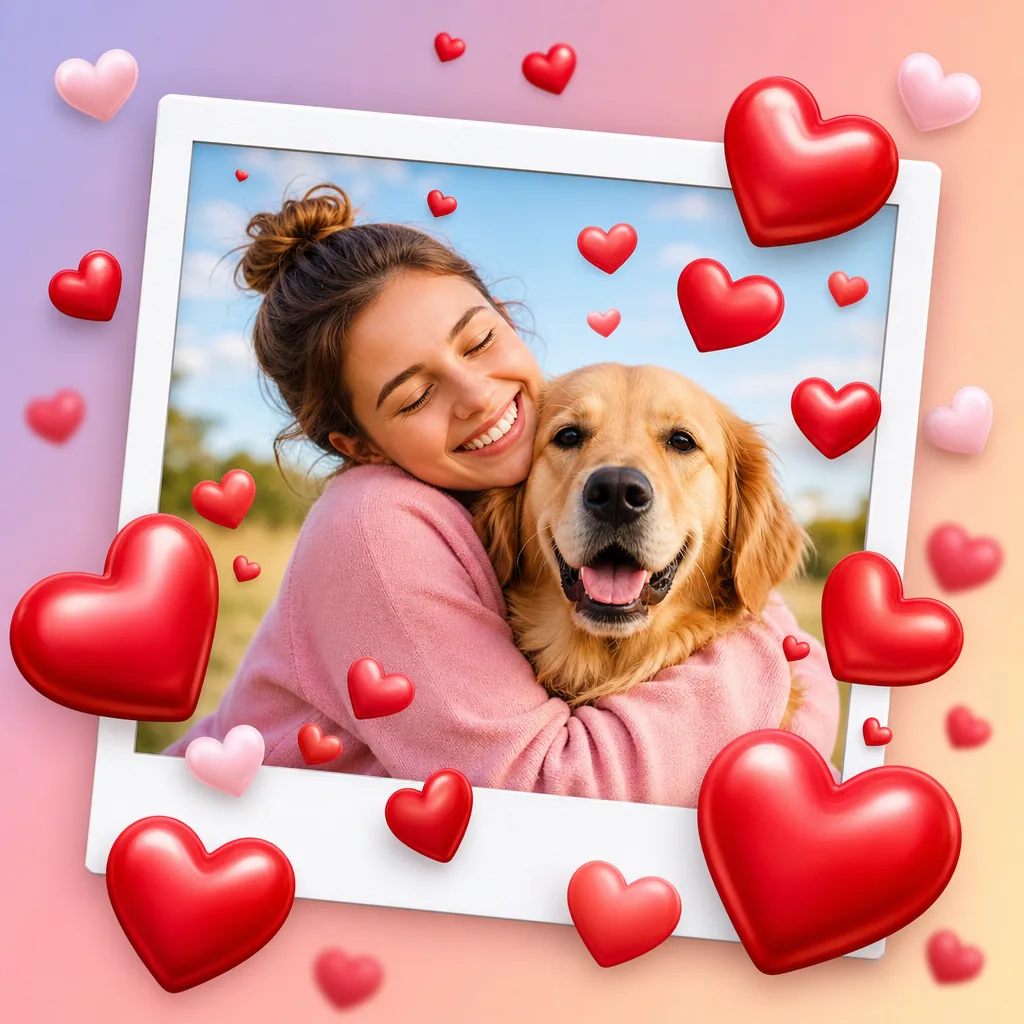 entertainment
Add Hearts to Photos is a playful creative transformation configured with its real prompt recipe and a text prompt.
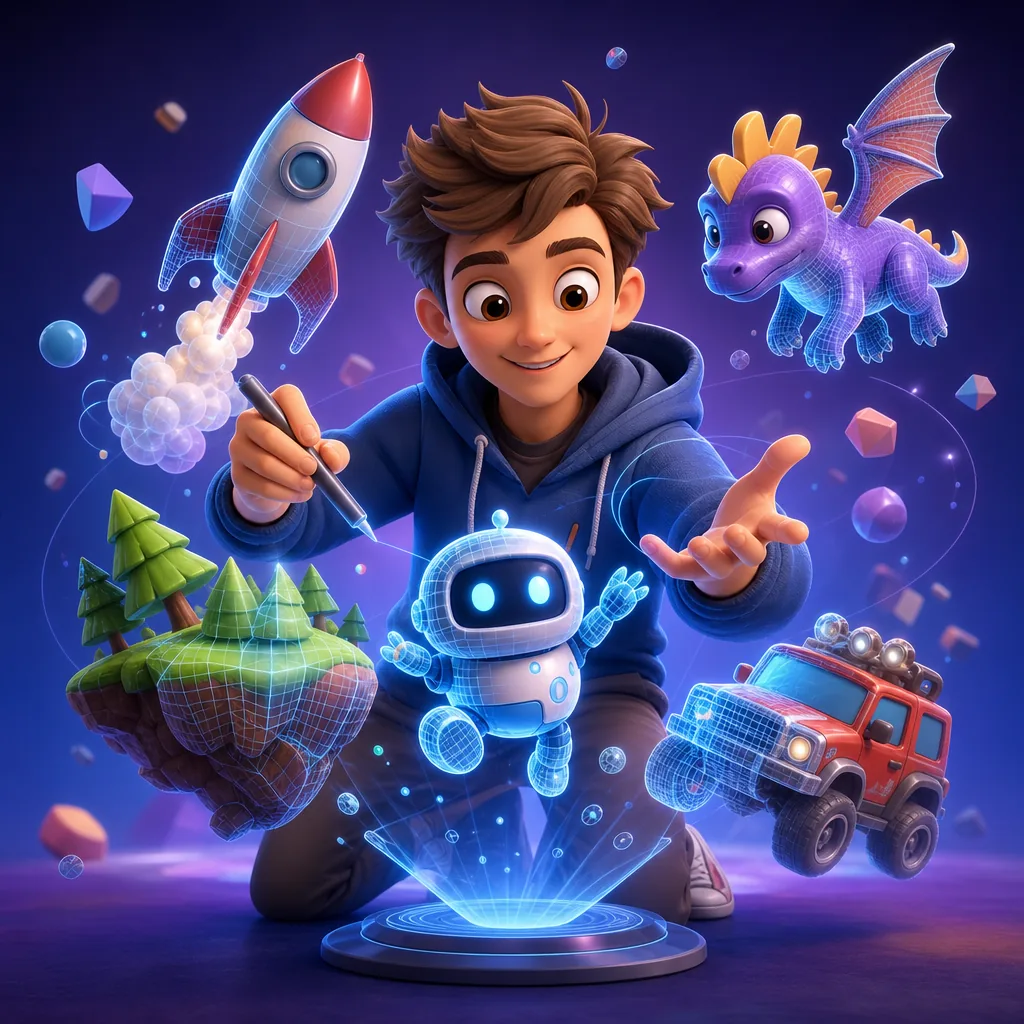 entertainment
AI 3D Pixar Generator is a playful creative transformation configured with its real prompt recipe and one reference image.
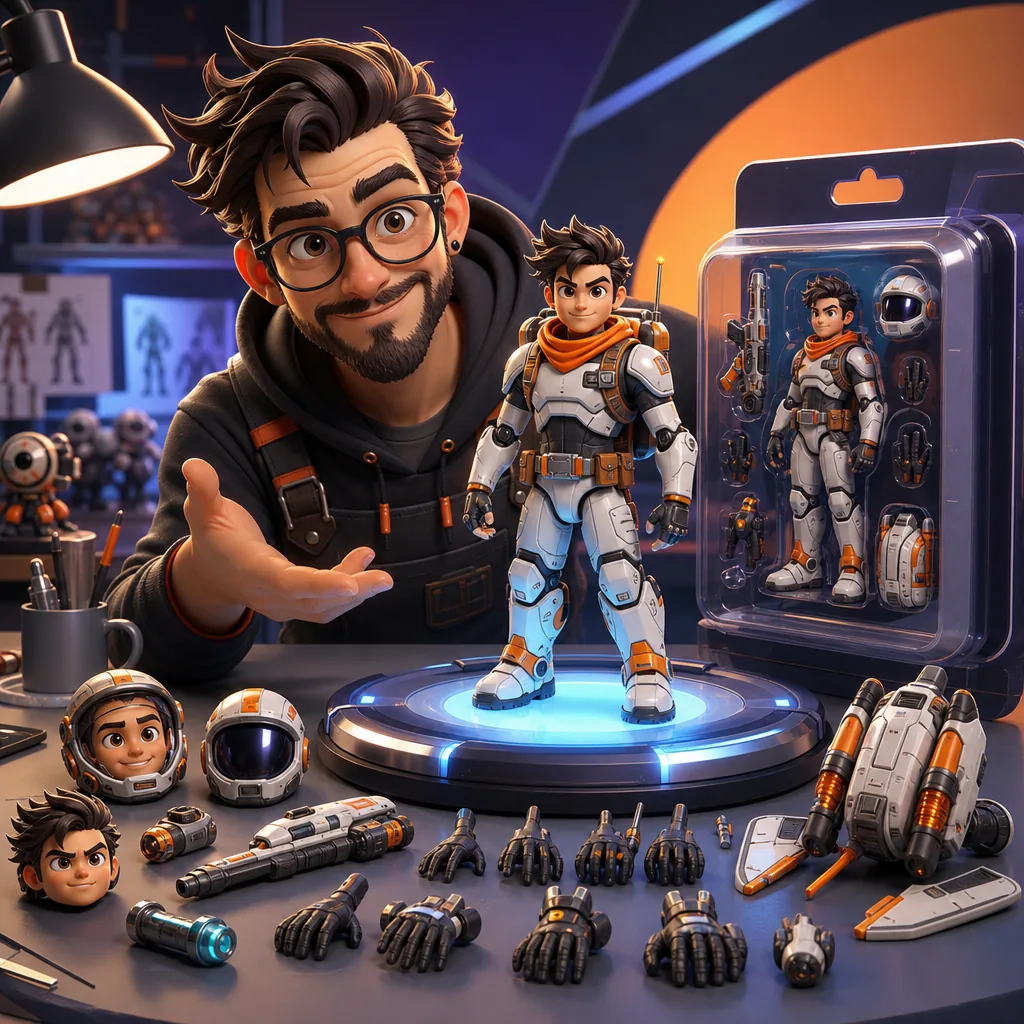 entertainment
AI Action Figure Generator is a playful creative transformation configured with its real prompt recipe and one reference image.
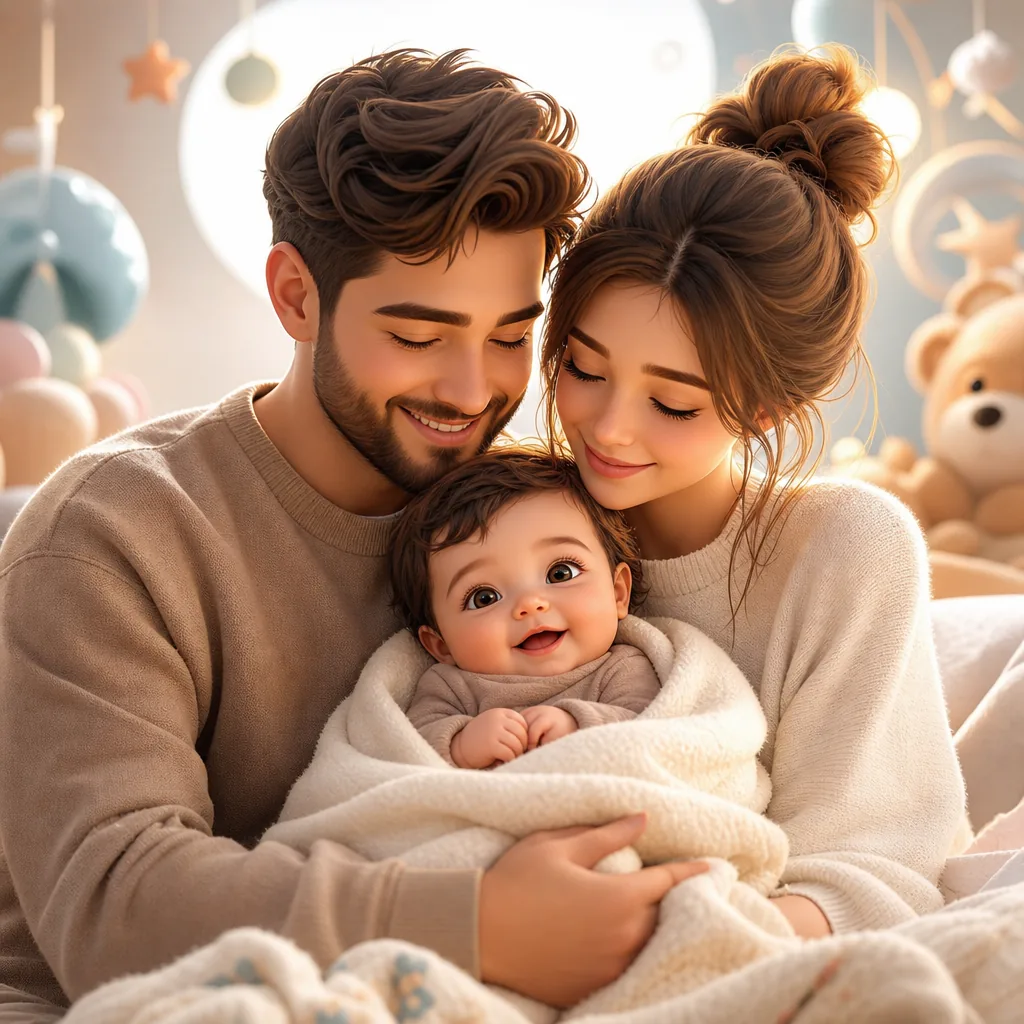 entertainment
AI Baby Generator is a playful creative transformation configured with its real prompt recipe and 2 reference images.
 entertainment
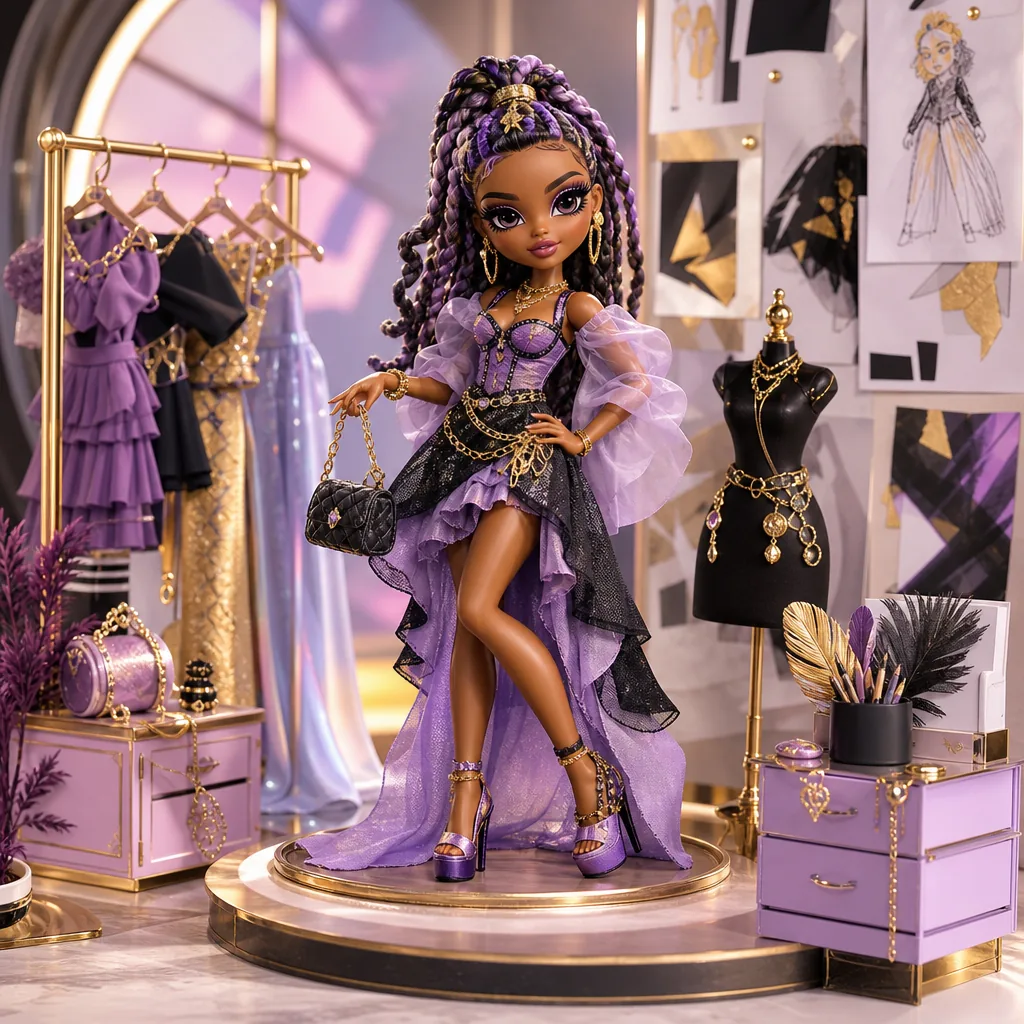
AI Barbie Doll is a playful creative transformation configured with its real prompt recipe and one reference image.
 entertainment
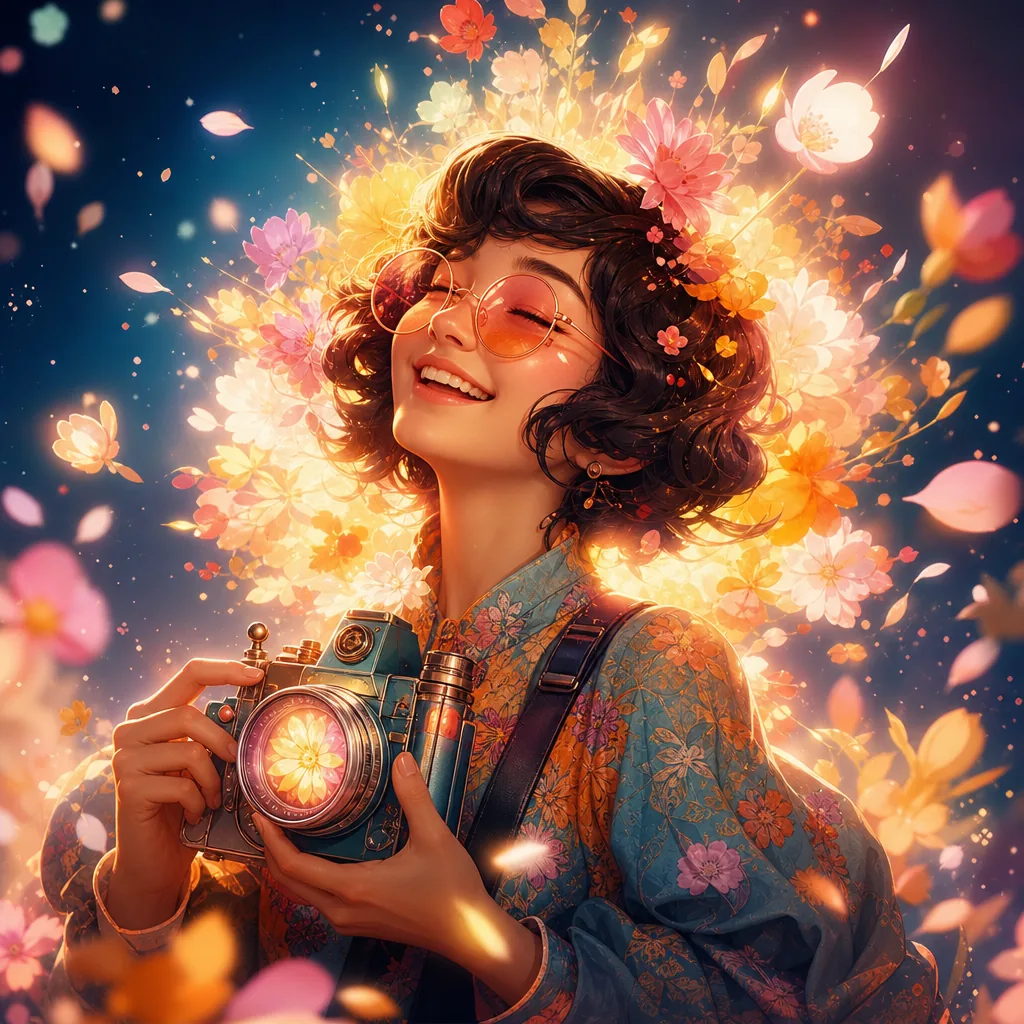
AI Bloom Effect Photo is a playful creative transformation configured with its real prompt recipe and one reference image.
 entertainment
AI Coloring Page is a playful creative transformation configured with its real prompt recipe and a text prompt.
 entertainment
AI Crying Filter is a playful creative transformation configured with its real prompt recipe and a text prompt.
 entertainment
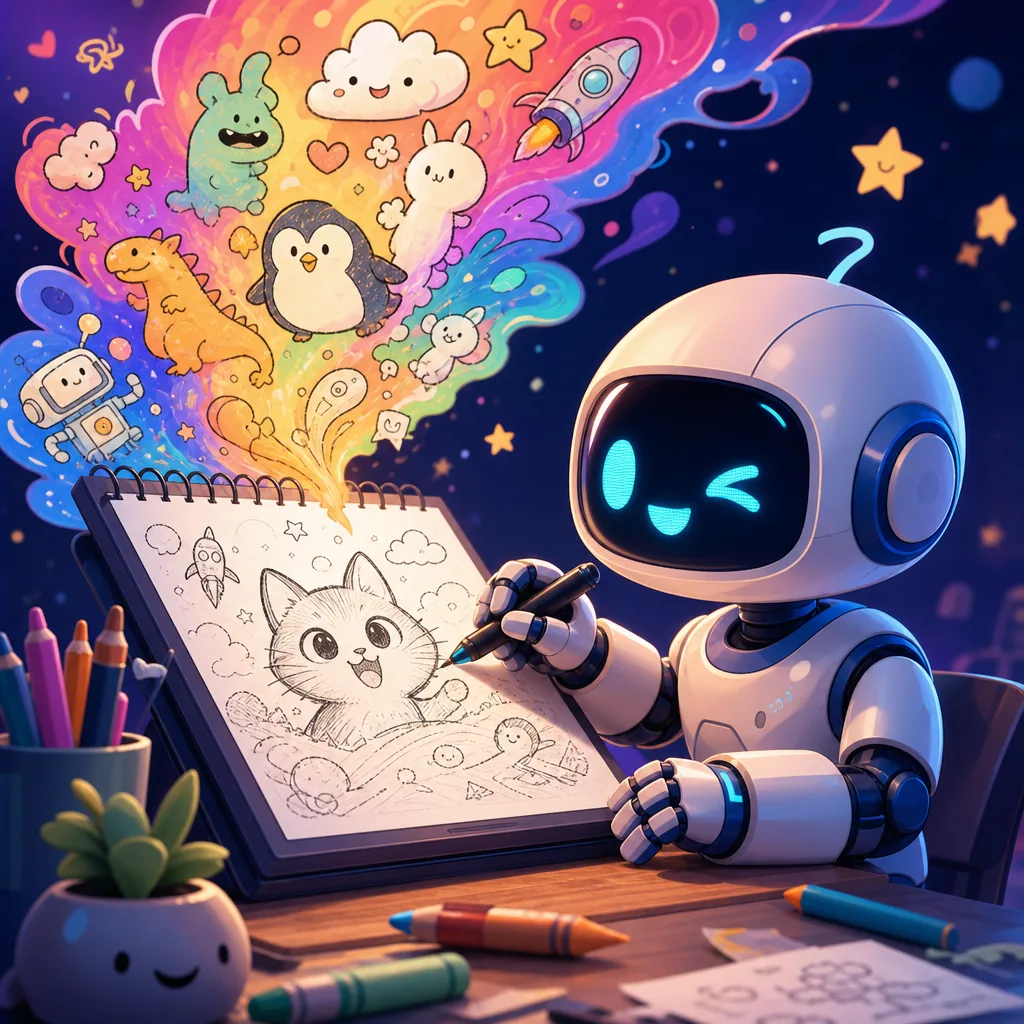
AI Doodle Generator is a playful creative transformation configured with its real prompt recipe and a text prompt.
 entertainment
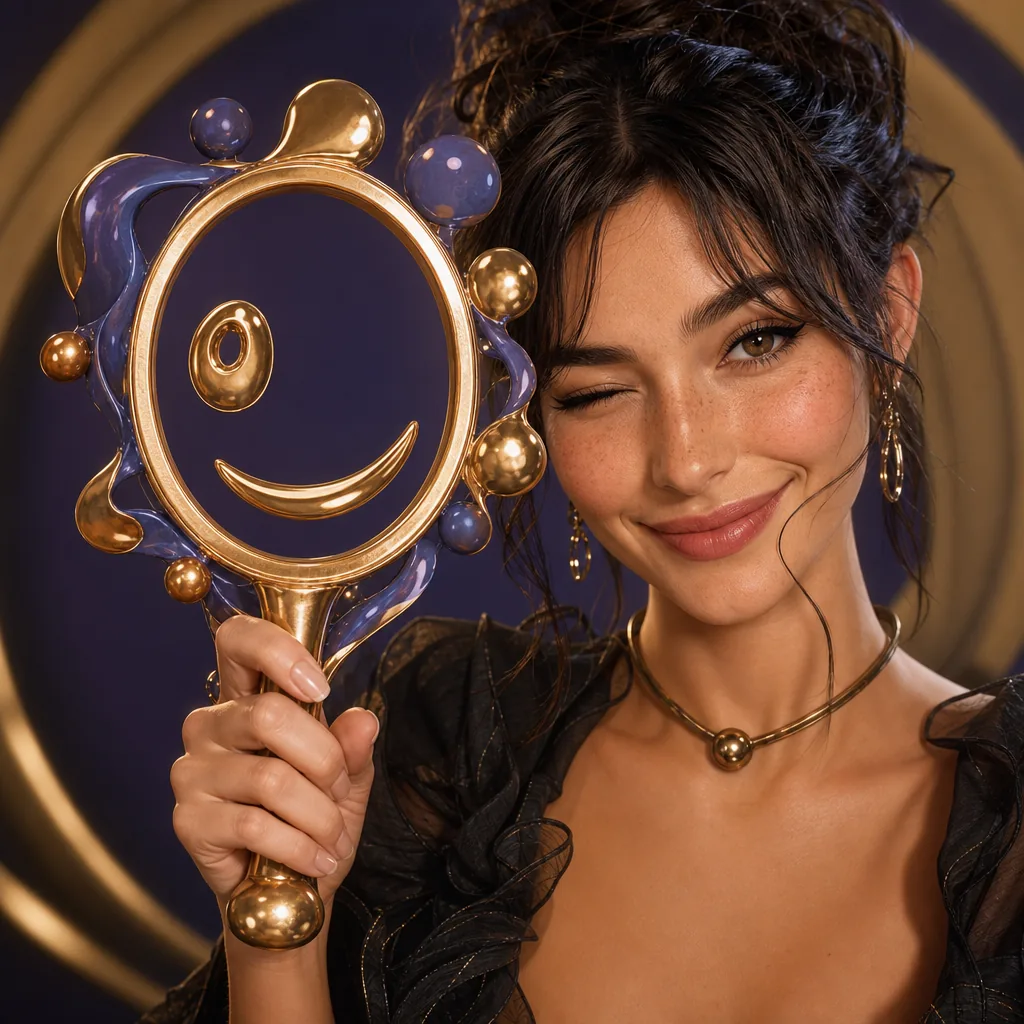
AI Face Rater is a playful creative transformation configured with its real prompt recipe and one reference image.
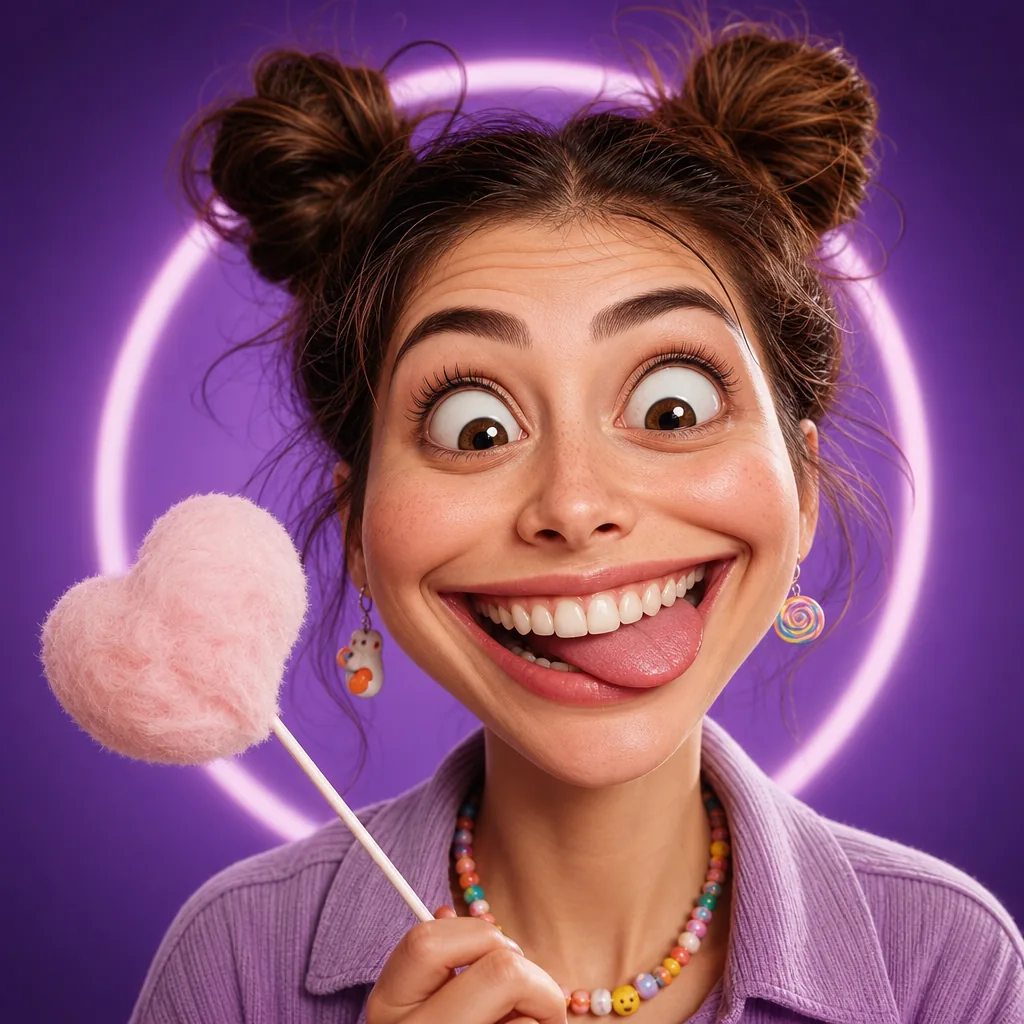 entertainment
AI Funny Face Filter is a playful creative transformation configured with its real prompt recipe and a text prompt.
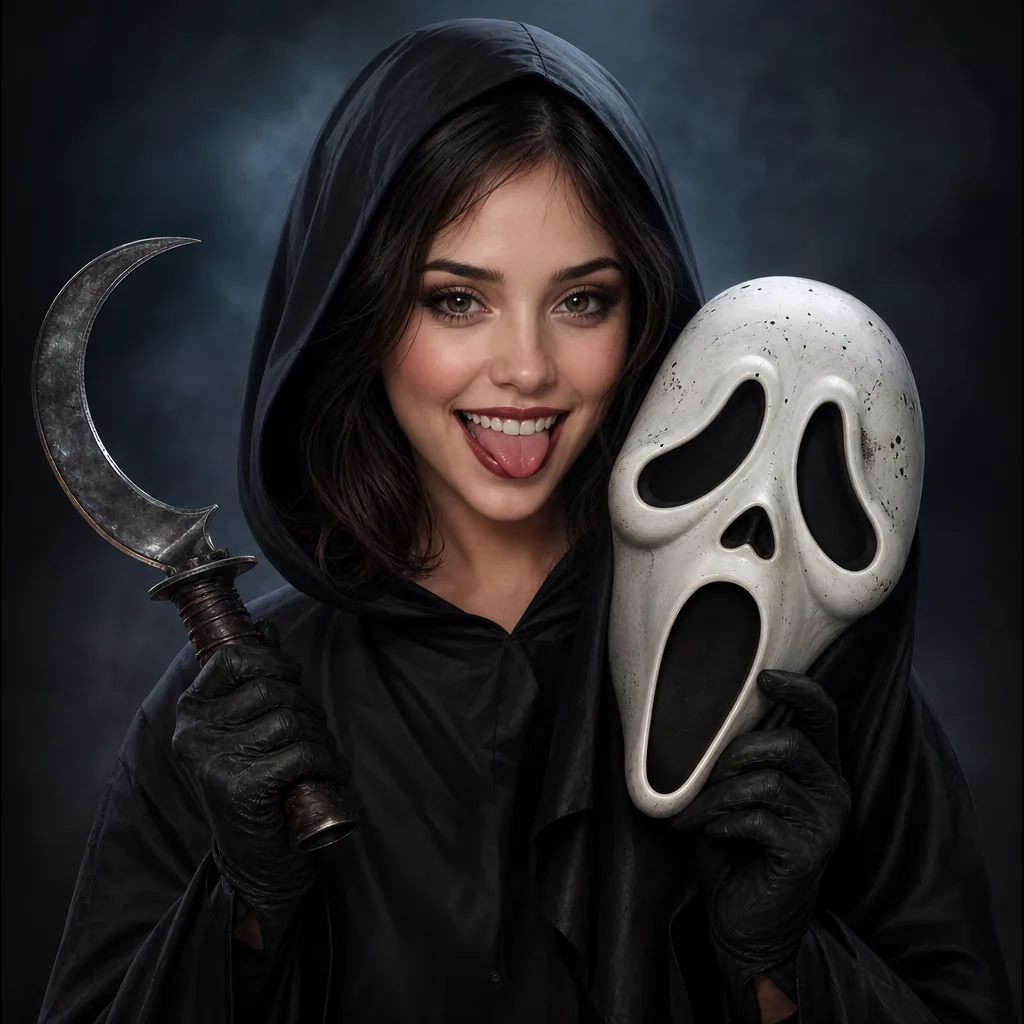 entertainment
AI Ghostface Generator is a playful creative transformation configured with its real prompt recipe and a text prompt.
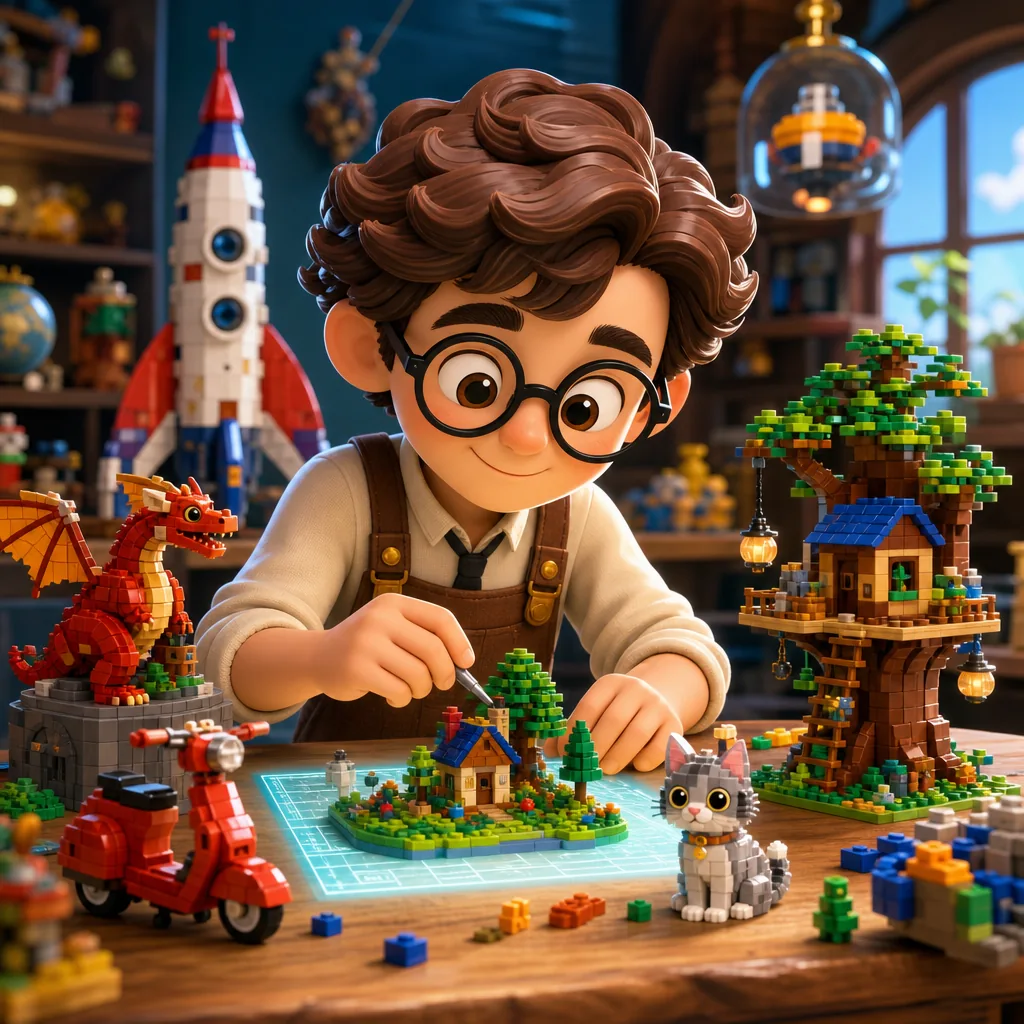 entertainment
AI Lego Generator is a playful creative transformation configured with its real prompt recipe and one reference image.
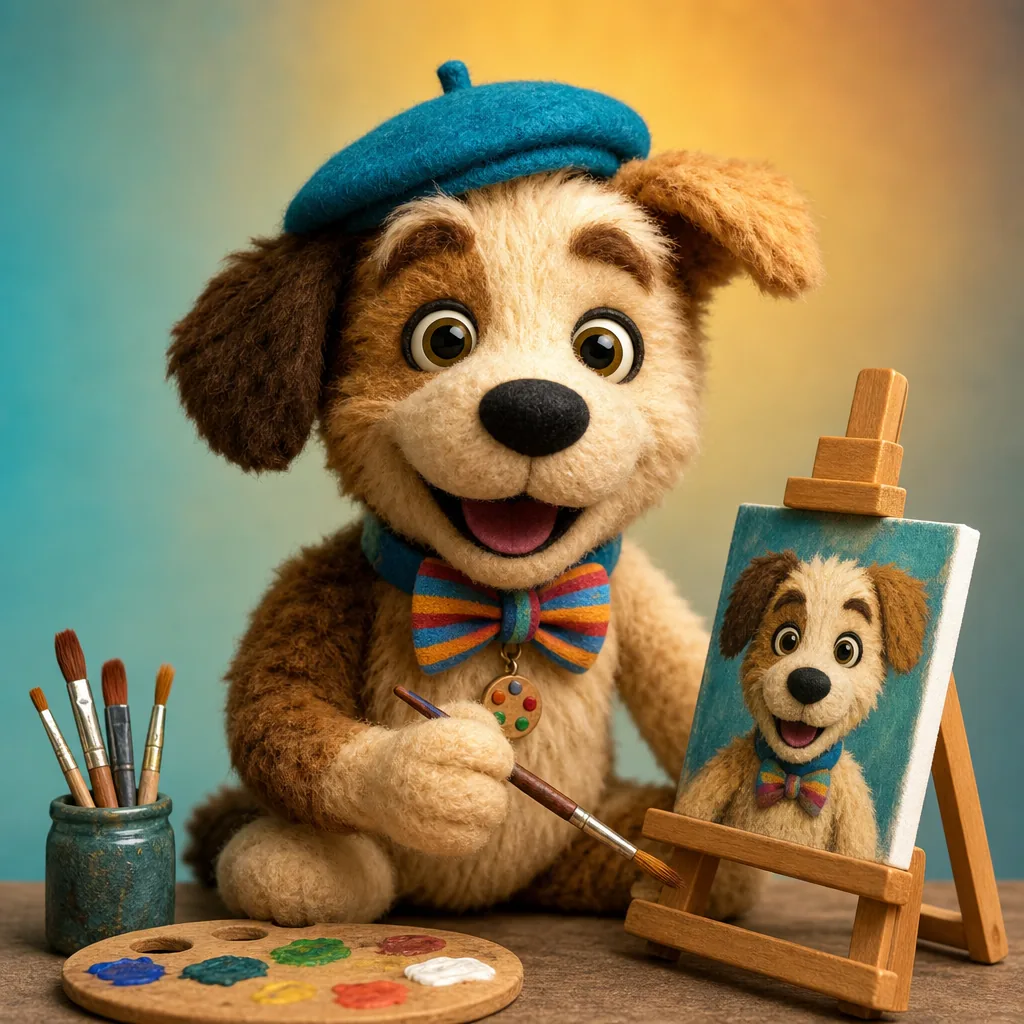 entertainment
AI Muppet Generator is a playful creative transformation configured with its real prompt recipe and one reference image.
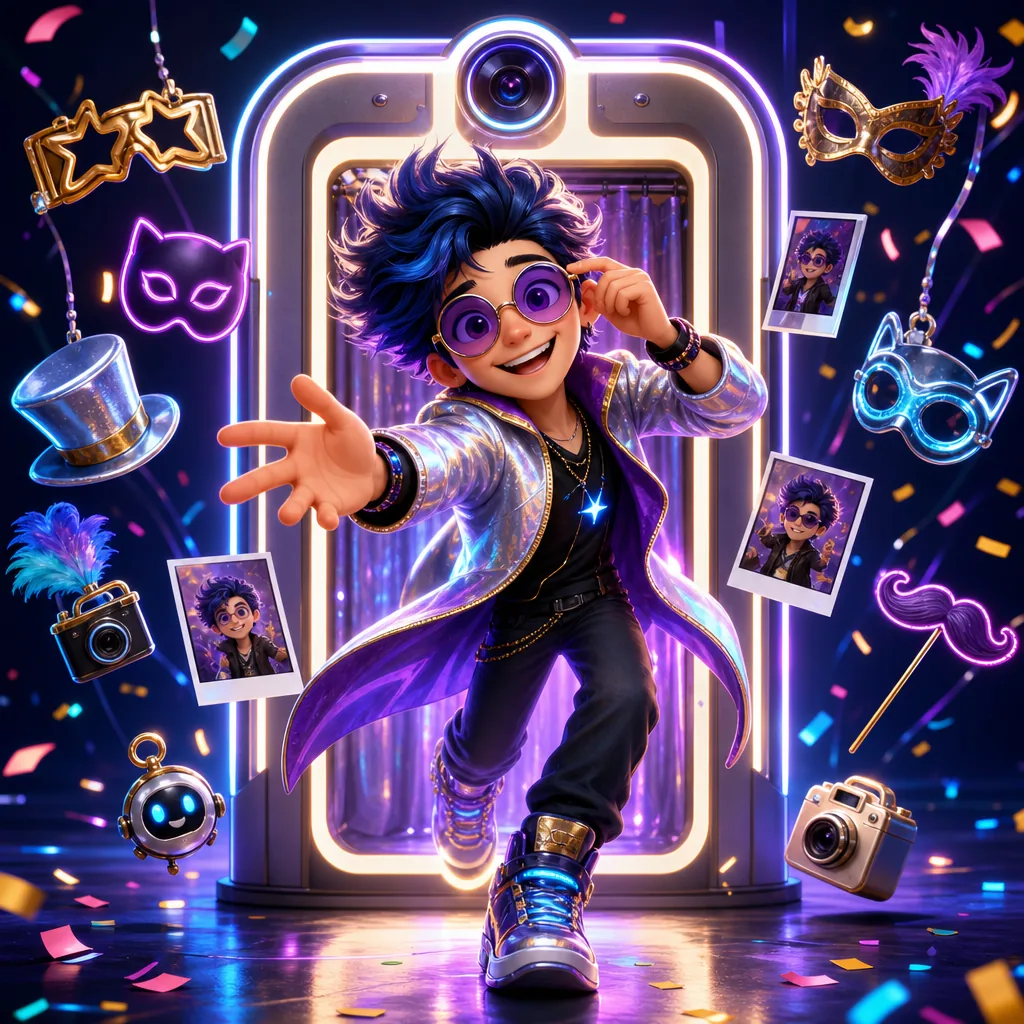 entertainment
AI Photo Booth is a playful creative transformation configured with its real prompt recipe and one reference image.
 entertainment
AI Pirate Filter is a playful creative transformation configured with its real prompt recipe and one reference image.
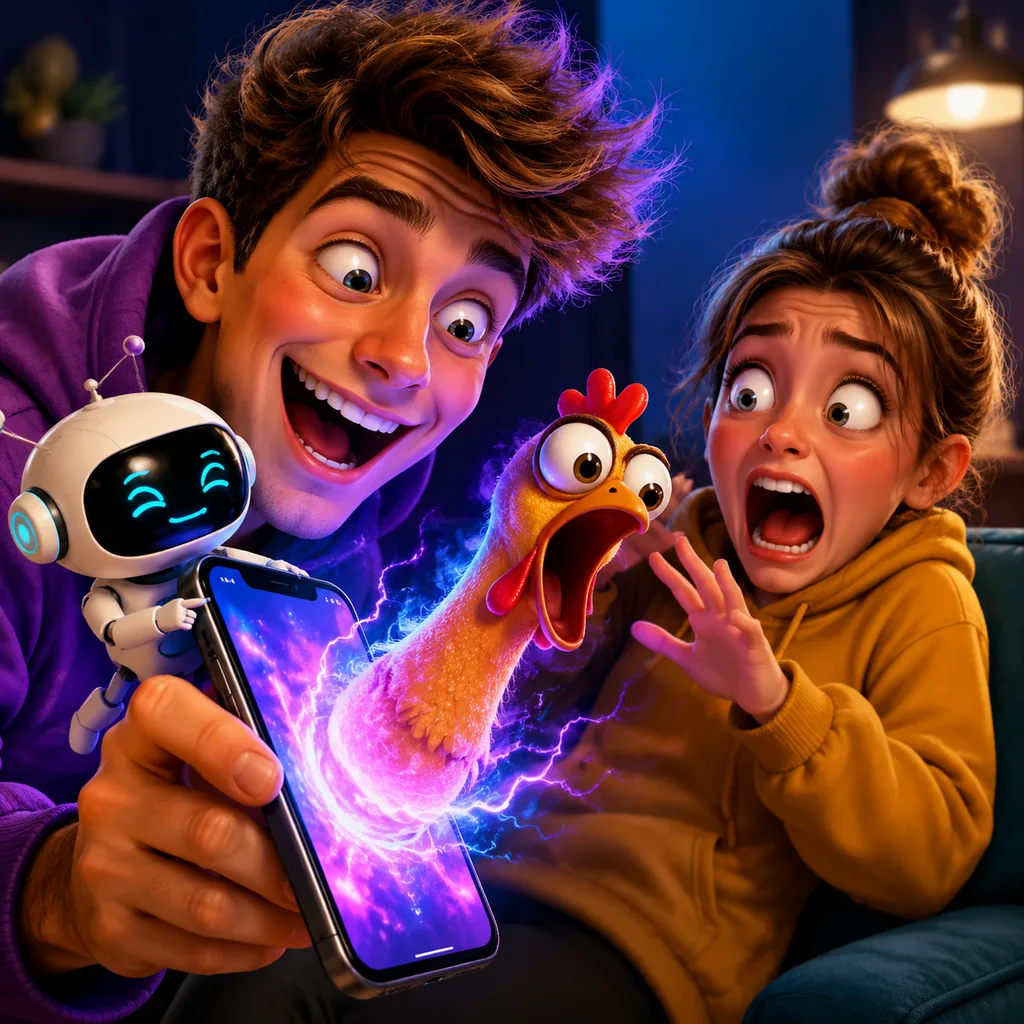 entertainment
AI Prank Generator is a playful creative transformation configured with its real prompt recipe and one reference image.
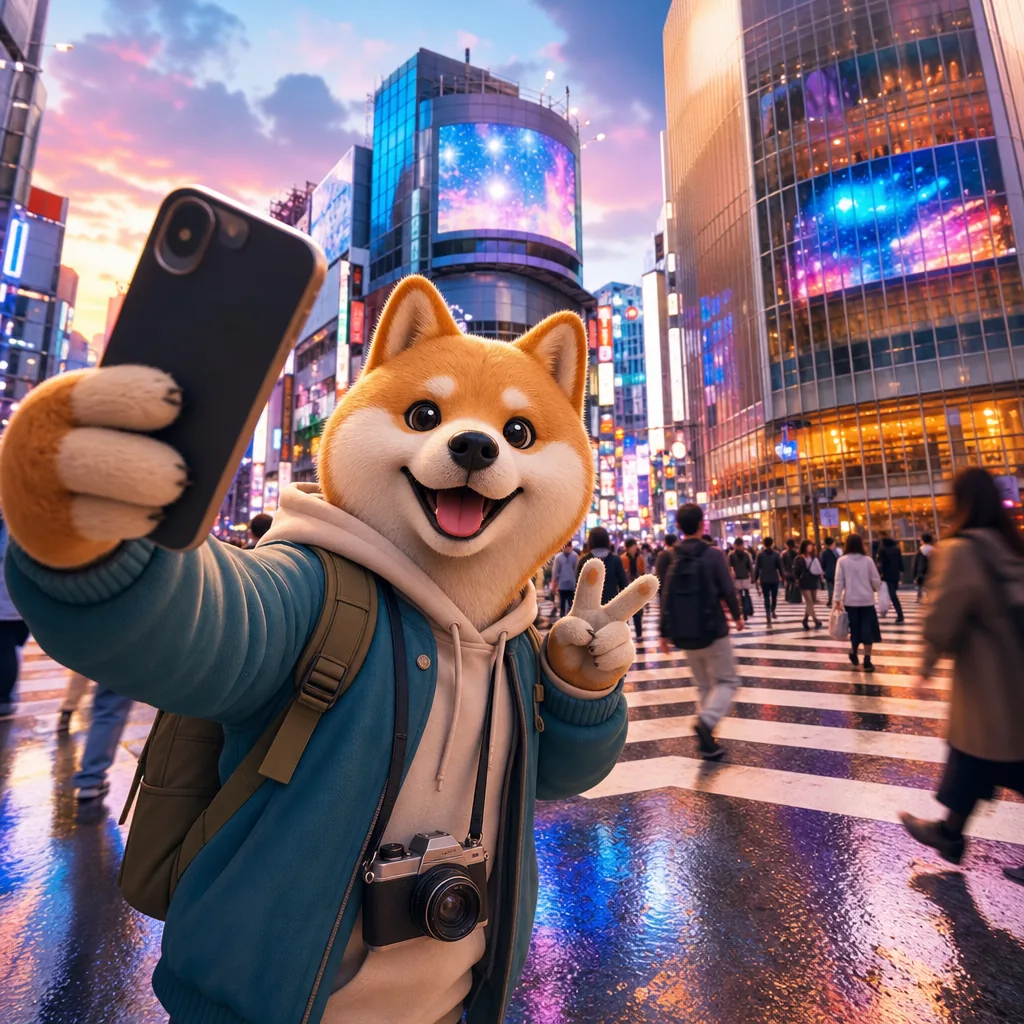 entertainment
AI Shibuya Crossing Photo is a playful creative transformation configured with its real prompt recipe and one reference image.
 entertainment
AI Sims Filter is a playful creative transformation configured with its real prompt recipe and a text prompt.
Entertainment generator
Owned preview assets for AI Original Creature Trainer Generator, produced for this VisioArt workflow and stored locally for consistent page rendering.
How it works
The page loads the right prompt starter, upload slots, model default, ratio options, and output formats for AI Original Creature Trainer Generator. You can still adjust the prompt before generating.
Upload 1 image upload and review the default prompt before generating.
Choose from the supported model list, aspect ratios, and png / jpg / webp outputs without leaving the generator page.
Create a result, compare it against the goal, then tighten the prompt or references for the next iteration.
Image tools
Use these adjacent image workflows when a patch concept needs source stills, reference cleanup, model comparison, or a different visual direction.
merchCreate clean patch concepts for jackets, hats, team badges, merch, and brand mockups with a focused image workflow.
appearanceAI Age Change Filter is a style and appearance transformation configured with its real prompt recipe and one reference image.
appearanceAI Body Editor is a style and appearance transformation configured with its real prompt recipe and one reference image.
entertainmentAI Emoji Generator is a playful creative transformation configured with its real prompt recipe and one reference image.
entertainment16-Bit Character Generator is a playful creative transformation configured with its real prompt recipe and one reference image.
entertainmentAdd Hearts to Photos is a playful creative transformation configured with its real prompt recipe and a text prompt.
entertainmentAI 3D Pixar Generator is a playful creative transformation configured with its real prompt recipe and one reference image.
entertainmentAI Action Figure Generator is a playful creative transformation configured with its real prompt recipe and one reference image.
Core features
Use the built-in recipe as a strong starting point, then tune subject details, style intensity, references, and output format for the exact result you need.
The default recipe gives the model a specific visual task instead of a vague one-line instruction.

Upload slots are preconfigured so reference images are treated as part of the workflow, not an afterthought.

The page exposes supported modes, image inputs, aspect ratios, and output formats through the same capability layer as the editor.

Preview media resolves from local VisioArt assets and can be replaced through the asset pipeline or admin overrides.
Why choose it
Use this generator when speed matters, but the workflow still needs a repeatable prompt, clear model capability boundaries, and predictable upload requirements.
Validate whether a visual direction is worth deeper design time before committing to a full production pass.
Reuse a strong default setup whenever the same image task comes up again across campaigns, clients, or content batches.
Each workflow has its own URL, metadata, generator configuration, and admin-overridable content surface.
The page exposes the same model, upload, ratio, and output limits that the editor uses at generation time.
FAQ
Start creating
Start from the prepared prompt recipe, add references when this workflow needs them, choose the crop, and generate an output that is easier to judge, share, and refine.
Generate Original Creature Trainer Generator