Skip to content

プロンプトテンプレート

AI動画プロンプトテンプレート: AIアバターgenerator画像プロンプト

AIアバターgenerator画像向けの制作対応テンプレート。AIアバターGeneratorvariantsとテキストto画像startsに使いやすく、VisioArtで構造化された制作フローを組めます。
作成を開始料金を見る
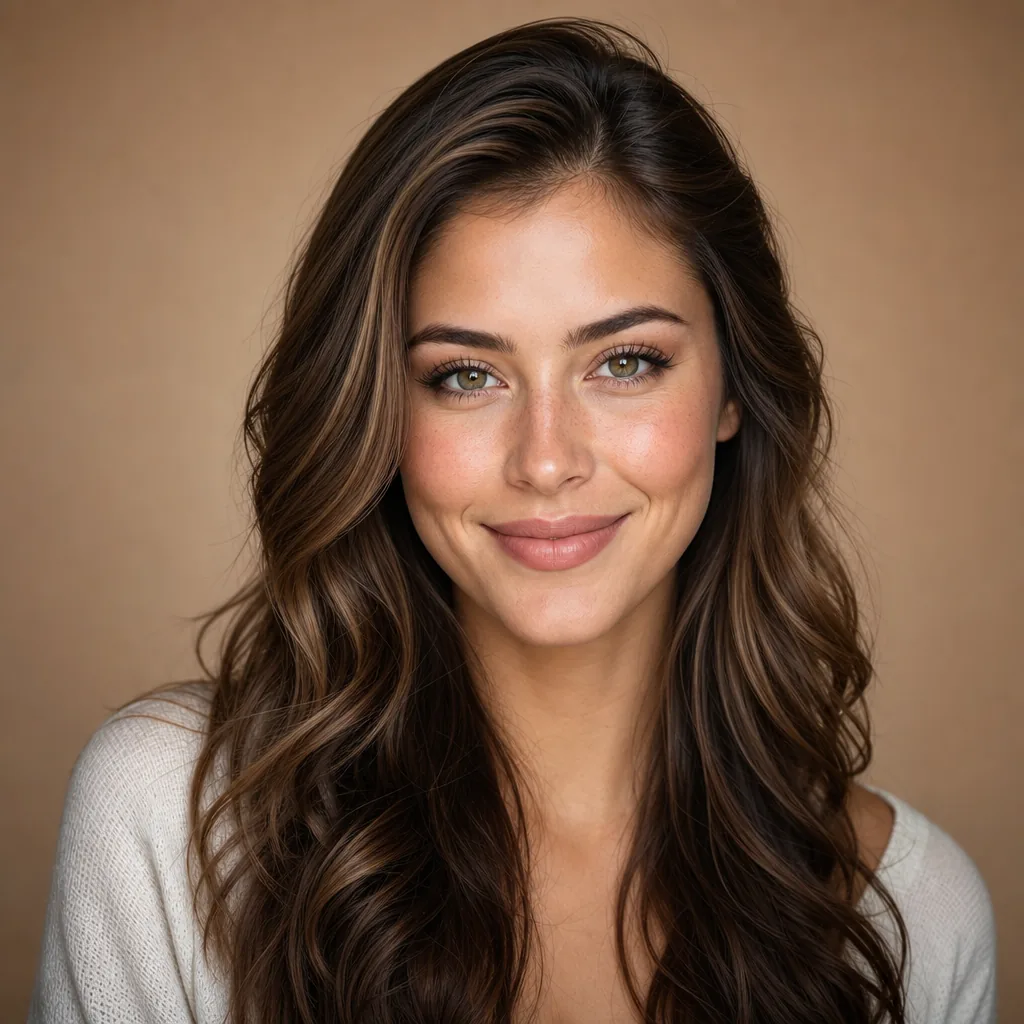
AIアバターgenerator画像プロンプトのビジュアル例
画像appearanceテキストプロンプト
プロンプト
角括弧内のプレースホルダーを差し替え、配信先に合わせてカメラ、照明、形式、出力条件を調整します。
Use the input image as the main reference and keep the person’s face, identity, and overall proportions clearly recognizable. Turn it into a clean, high-quality AI avatar that is suitable for websites, apps, and marketing visuals. Focus on a single subject, centered in frame, with a tidy, modern look.
Always apply these base rules: Preserve facial features, skin tone, hairstyle, and general likeness of the original person. Remove messy or distracting backgrounds and replace them with a simple, visually pleasing backdrop. Improve lighting, colors, and sharpness so the avatar looks polished and production-ready. Crop to head-and-shoulders or upper body, with eyes clearly visible and a friendly, confident, approachable expression. Then, apply the selected avatar style: {STYLE_BLOCK} Safety and constraints: Do not turn the person into a real public figure or a copyrighted character. Avoid nudity, sexual content, violence, gore, or hateful symbols. Avoid adding text, logos, watermarks, or UI unless they are already part of the input and look clean. If the input image is low quality or cluttered, reinterpret it as a reference and recreate the same person in a cleaner, higher-quality avatar that follows all rules above.
向いている用途
AIアバターGeneratorvariants
テキストto画像starts
Reusable画像workflows
モデルの出発点
GPT Image 2Nano Banana 2Seedream 4Seedream 4.5

関連テンプレート

制作を続ける

同じキャンペーンで別形式の素材が必要なときは、近いプロンプト型から続けられます。

AIPatchgenerator画像プロンプトの例
画像merchテキストプロンプト
AIPatchgenerator画像
AIPatchgenerator画像向けの制作対応テンプレート。AIPatchGeneratorvariantsとテキストto画像startsに使いやすく、VisioArtで構造化された制作フローを組めます。
テンプレートを開く
AIAgeChangeFilter画像プロンプトの例
画像画像編集appearance
AIAgeChangeFilter画像
AIAgeChangeFilter画像向けの制作対応テンプレート。AIAgeChangeFiltervariantsと参照guidededitsに使いやすく、VisioArtで構造化された制作フローを組めます。
テンプレートを開く

AIBodyEditor画像プロンプトの例
画像画像編集appearance
AIBodyEditor画像
AIBodyEditor画像向けの制作対応テンプレート。AIBodyEditorvariantsと参照guidededitsに使いやすく、VisioArtで構造化された制作フローを組めます。
テンプレートを開く

よくある質問

AIアバターgenerator画像のよくある質問

ワークフロー、モデル選択、料金、制作適合について短く確認できます。

AIアバターgenerator画像向けの制作対応テンプレート。AIアバターGeneratorvariantsとテキストto画像startsに使いやすく、VisioArtで構造化された制作フローを組めます。

はい。角括弧のプレースホルダーを置き換え、配信先に合わせてカメラ、照明、比率、細部、出力条件を調整できます。

ページで推奨されているツールから始めてください。動き、リアリズム、スタイルで別のモデル特性が必要な場合は、近いモデル経路を試します。

このテンプレートをVisioArtで使う。

推奨ツールを開き、プロンプトを貼り付け、プレースホルダーを差し替えて、最も合うモデル経路を試します。

推奨ツールを開くテンプレートを見る