Skip to content

Template di prompt

Template di prompt video AI: Prompt AI motion Blur immagine

Template pronto per la produzione per AI motion Blur immagine, adatto a AI motion Blur variants e riferimento guided edits e a workflow VisioArt ordinati.
Inizia a creareVedi prezzi
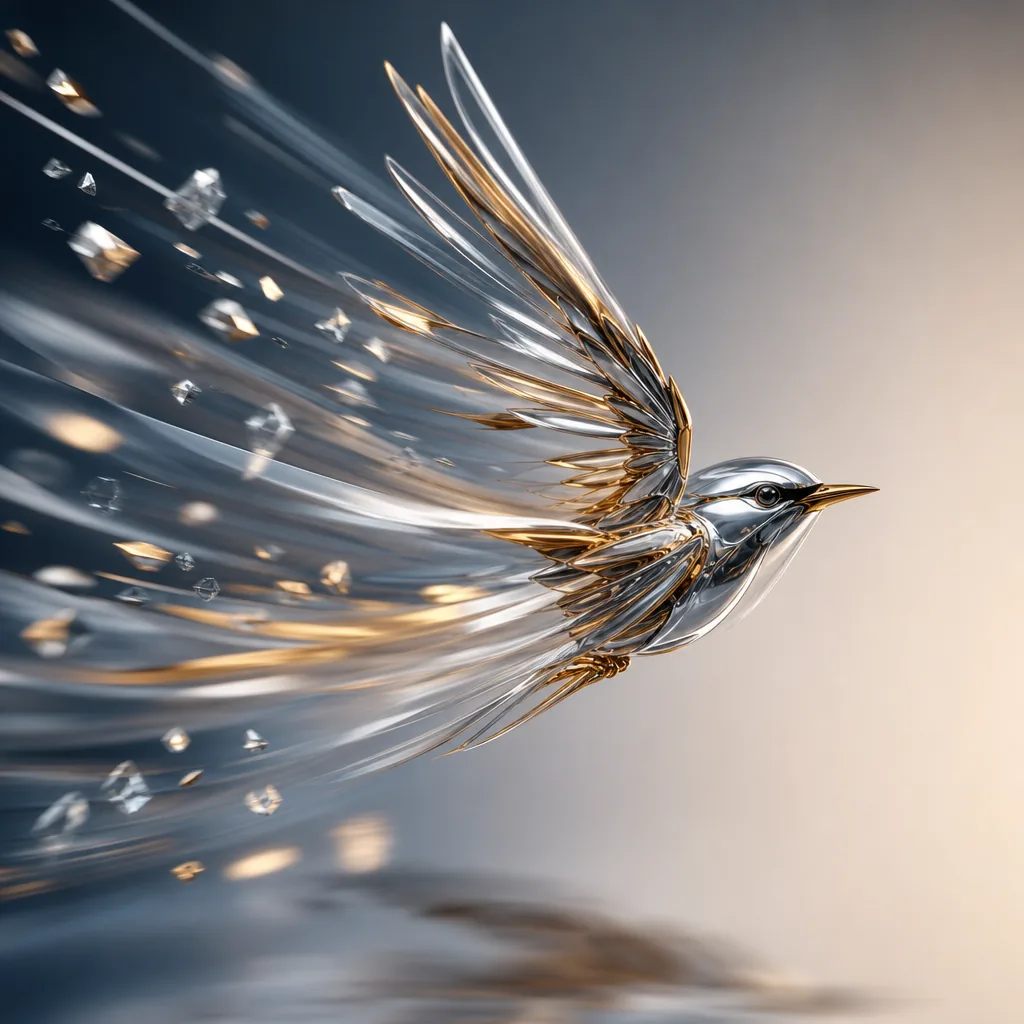
Esempio visuale di Prompt AI motion Blur immagine
immagineimmagine editingotherriferimento immagine
Istruzione
Sostituisci i segnaposto tra parentesi e regola camera, luce, formato e vincoli di output per il canale specifico.
Analyze the uploaded image and infer the real motion relationship between the main subject, the surrounding environment, and the camera. Do not apply blur based only on whether something is moving. Instead, determine motion blur from relative motion and photographic behavior. First identify the focal subject, the moving regions, the static regions, and the most likely camera behavior, such as a fixed camera, camera panning, subject tracking, or slight camera shake. Then apply realistic motion blur only where it would naturally appear in a real photograph. If the image shows a stationary subject while another object moves past, keep the stationary subject sharp and apply directional blur only to the moving object. If the image shows a moving subject that the camera is tracking, keep the main subject relatively sharp while applying stronger directional blur to the surrounding environment, road, lights, or background. If the image shows a moving subject captured by a fixed camera, allow stronger blur on the subject itself. If both subject and camera move partially together, preserve the subject core while allowing natural blur on edges, limbs, wheels, and nearby background regions. Scale blur intensity, trail length, and edge streaking according to the implied speed and relative motion. Faster relative motion should create stronger and longer blur; slower relative motion should create lighter and shorter blur. Respect scene depth, occlusion, focus, and spatial layering so the result feels physically plausible. Preserve identity, facial features, body proportions, object structure, composition, perspective, colors, lighting, materials, and overall scene content. The final image must look like a real photograph captured with authentic motion blur from real movement or camera exposure, not a generic digital blur filter. Avoid full-image blur, random smearing, ghosting, double edges, fake speed lines, melted structures, inconsistent blur directions, or loss of key subject recognizability.
Ideale per
AI motion Blur variants
riferimento guided edits
Reusable immagine workflows
Punti di partenza dei modelli
GPT Image 2Nano Banana 2Seedream 4Seedream 4.5

Template correlati

Porta avanti la campagna

Usa questi schemi vicini quando la stessa campagna richiede un altro formato di asset.

Esempio Prompt AI Patch prompt generator immagine
immaginemerchtesto prompt
AI Patch prompt generator immagine
Template pronto per la produzione per AI Patch prompt generator immagine, adatto a AI Patch Generator variants e testo to immagine starts e a workflow VisioArt ordinati.
Apri template
Esempio Prompt AI Age Change Filter prompt immagine
immagineimmagine editingappearance
AI Age Change Filter prompt immagine
Template pronto per la produzione per AI Age Change Filter prompt immagine, adatto a AI Age Change Filter variants e riferimento guided edits e a workflow VisioArt ordinati.
Apri template

Esempio Prompt AI Body Editor prompt immagine
immagineimmagine editingappearance
AI Body Editor prompt immagine
Template pronto per la produzione per AI Body Editor prompt immagine, adatto a AI Body Editor variants e riferimento guided edits e a workflow VisioArt ordinati.
Apri template

FAQ

FAQ AI motion Blur immagine

Risposte chiare su flussi, modelli, prezzi e fit di produzione.

Template pronto per la produzione per AI motion Blur immagine, adatto a AI motion Blur variants e riferimento guided edits e a workflow VisioArt ordinati.

Sì. Sostituisci i segnaposto tra parentesi, poi regola camera, luce, formato, dettagli e vincoli di output per il canale.

Parti dallo strumento consigliato nella pagina. Se movimento, realismo o stile richiedono un altro punto di forza, prova i percorsi modello vicini.

Usa questo template in VisioArt.

Apri lo strumento consigliato, incolla l’istruzione, sostituisci i segnaposto e prova il percorso modello più forte.

Apri lo strumento consigliatoSfoglia i template