Skip to content

Template di prompt

Template di prompt video AI: Prompt AI Hijab foto generator immagine

Template pronto per la produzione per AI Hijab foto generator immagine, adatto a AI Hijab foto Generator variants e riferimento guided edits e a workflow VisioArt ordinati.
Inizia a creareVedi prezzi
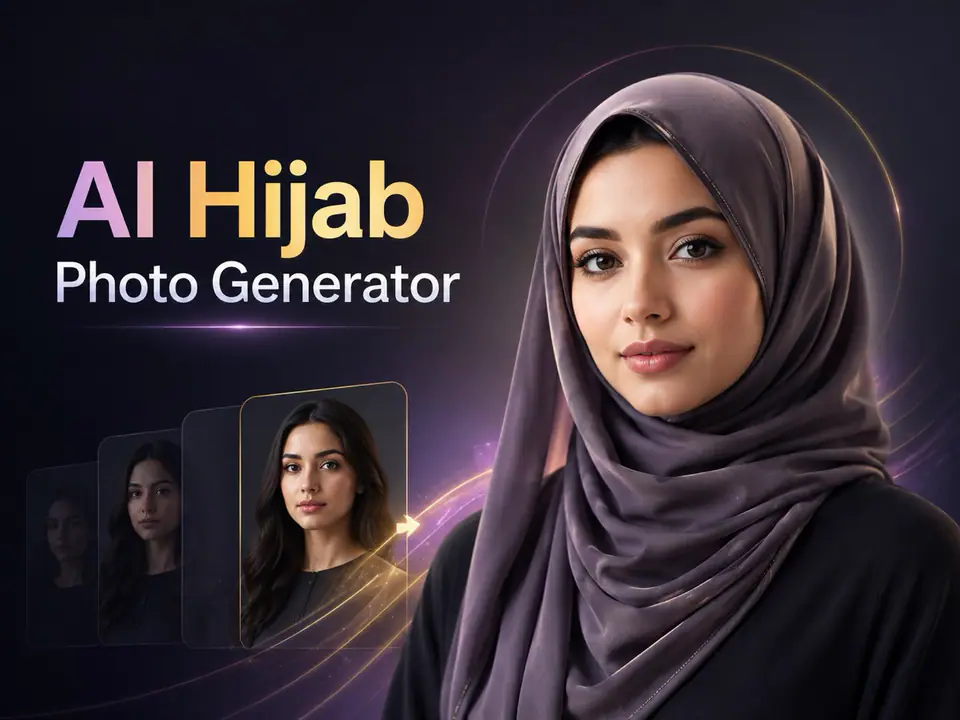
Esempio visuale di Prompt AI Hijab foto generator immagine
immagineimmagine editingappearanceriferimento immagine
Istruzione
Sostituisci i segnaposto tra parentesi e regola camera, luce, formato e vincoli di output per il canale specifico.
You are an expert AI photo editor for an AI Hijab Photo Generator. The user has uploaded a portrait or personal photo. Edit the uploaded image by adding or transforming the hijab according to the selected hijab style prompt appended after this instruction. Preserve the person's identity, face shape, facial features, skin tone, expression, pose, body proportions, camera angle, background, and overall photo composition. Do not change the person into someone else. Do not beautify excessively. Keep the result natural, respectful, realistic, and culturally appropriate. Apply the hijab in a physically believable way. The hijab should cover the hair naturally and fit around the head, neck, and shoulders according to the selected style. Make the fabric look realistic with natural folds, soft shadows, highlights, texture, thickness, and proper interaction with the face, ears, neck, clothing, and lighting. Match the hijab color, material, and style to the selected prompt while keeping the image elegant and modest. If the original image already contains a hijab, replace or restyle it according to the selected style while preserving the person's face and overall appearance. If no specific style is provided, generate a clean, modern, elegant hijab look suitable for a high-quality profile photo. Maintain realistic lighting, perspective, depth of field, image quality, and background consistency. Remove obvious AI artifacts, distorted fabric, unnatural edges, extra limbs, duplicate faces, warped facial features, messy hair leakage, strange shadows, and unrealistic textures. Do not add text, logos, watermarks, captions, symbols, religious labels, political elements, or decorative graphics unless explicitly requested. Do not change the person's ethnicity, age, gender presentation, facial identity, or expression. Do not make the image sexualized, offensive, mocking, or culturally insensitive. Generate only the final edited image. The result should look like a realistic professional photo edit, not a costume, sticker, filter, or illustration.
Ideale per
AI Hijab foto Generator variants
riferimento guided edits
Reusable immagine workflows
Punti di partenza dei modelli
GPT Image 2Nano Banana 2Seedream 4Seedream 4.5

Template correlati

Porta avanti la campagna

Usa questi schemi vicini quando la stessa campagna richiede un altro formato di asset.

Esempio Prompt AI Patch prompt generator immagine
immaginemerchtesto prompt
AI Patch prompt generator immagine
Template pronto per la produzione per AI Patch prompt generator immagine, adatto a AI Patch Generator variants e testo to immagine starts e a workflow VisioArt ordinati.
Apri template
Esempio Prompt AI Age Change Filter prompt immagine
immagineimmagine editingappearance
AI Age Change Filter prompt immagine
Template pronto per la produzione per AI Age Change Filter prompt immagine, adatto a AI Age Change Filter variants e riferimento guided edits e a workflow VisioArt ordinati.
Apri template

Esempio Prompt AI Body Editor prompt immagine
immagineimmagine editingappearance
AI Body Editor prompt immagine
Template pronto per la produzione per AI Body Editor prompt immagine, adatto a AI Body Editor variants e riferimento guided edits e a workflow VisioArt ordinati.
Apri template

FAQ

FAQ AI Hijab foto generator immagine

Risposte chiare su flussi, modelli, prezzi e fit di produzione.

Template pronto per la produzione per AI Hijab foto generator immagine, adatto a AI Hijab foto Generator variants e riferimento guided edits e a workflow VisioArt ordinati.

Sì. Sostituisci i segnaposto tra parentesi, poi regola camera, luce, formato, dettagli e vincoli di output per il canale.

Parti dallo strumento consigliato nella pagina. Se movimento, realismo o stile richiedono un altro punto di forza, prova i percorsi modello vicini.

Usa questo template in VisioArt.

Apri lo strumento consigliato, incolla l’istruzione, sostituisci i segnaposto e prova il percorso modello più forte.

Apri lo strumento consigliatoSfoglia i template