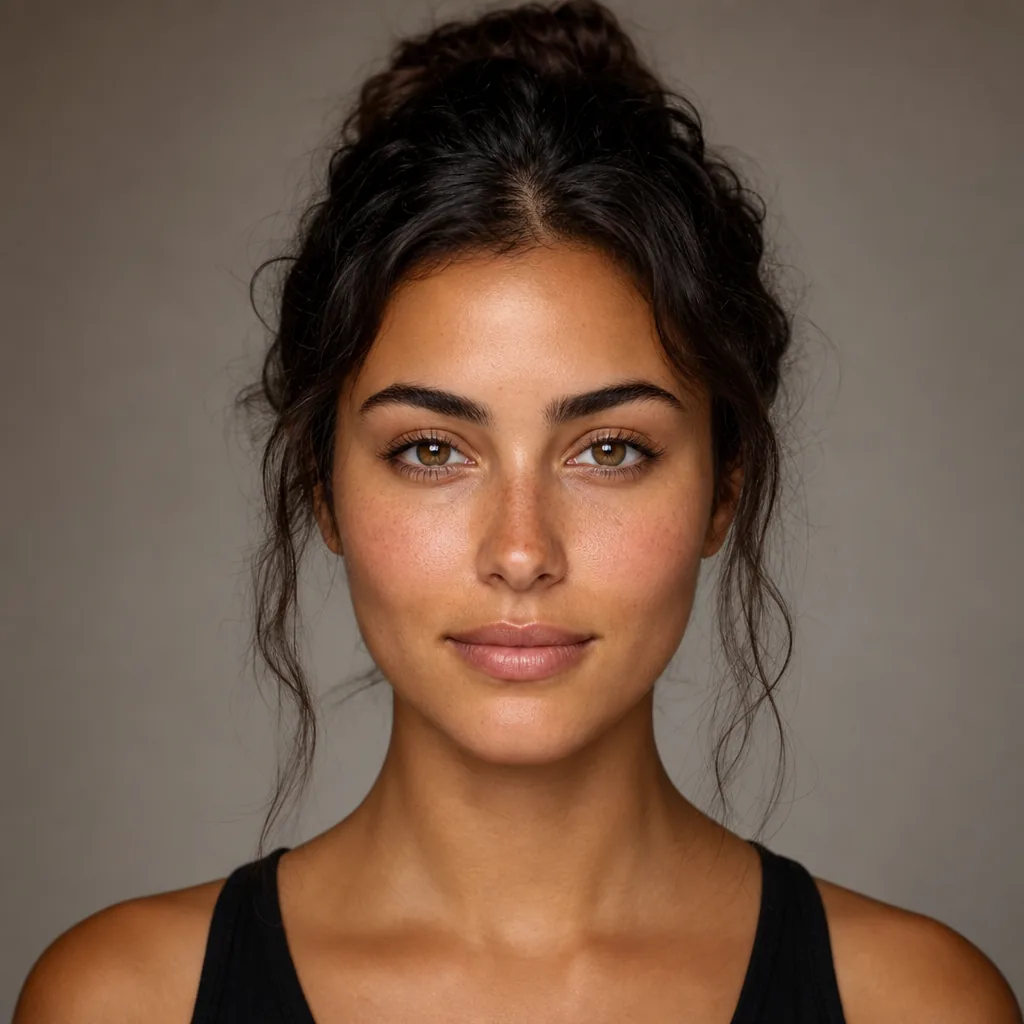
Create a 1:1 AI face analysis result poster in a clean premium mobile-app UI style for mode: {MODE}. First, analyze the uploaded portrait:
- infer whether the face is female-presenting or male-presenting
- estimate a realistic facial age (display as “Estimated Facial Age: XX”) This is an analysis visualization task, NOT a beauty retouch task.
Do not change the person’s identity, face shape, skin texture, hair, expression, lighting, or background.
Keep the original portrait unchanged and overlay only UI elements. ==================================================
LAYOUT (STRICT — FIXED SINGLE CARD)
==================================================
Use ONE unified rounded result card only.
Do NOT split the content into multiple cards.
Do NOT create any floating metric box. MAIN RESULT CARD
- Place one large rounded white card in the center of the canvas
- Card width: 84–88% of canvas width
- Card height: 54–62% of canvas height
- Soft shadow + very subtle border
- All content must remain inside this single card Inside the MAIN RESULT CARD, use a compact vertical 2-section layout: SECTION A — TOP INFO AREA (portrait + score info)
- Occupies the upper ~62–68% of the card
- Use a 2-column layout: LEFT COLUMN (portrait) - Rounded-corner portrait frame - Single-person portrait only - Front-facing or slightly front-facing - No distortion, no stylization, no cropping errors RIGHT COLUMN (text content) - All text left-aligned - Vertically centered relative to portrait - Content order is fixed: 1) Score number (largest element) 2) Result phrase (bold) 3) Subtitle (smaller neutral text) 4) Purple rounded age pill: “Estimated Facial Age: XX” SECTION DIVIDER
- Add a subtle horizontal divider line between SECTION A and SECTION B
- Divider should be light gray and clean
- Keep the divider inside the same card
- No large empty gap (tight, connected layout) SECTION B — BOTTOM METRIC AREA (embedded, not separate)
- Occupies the lower ~32–38% of the card
- Must be visually attached to the top section
- Same left/right padding alignment as SECTION A
- Include: - Top row: - Left: metric label (e.g. “Facial Symmetry”) - Right: metric percentage (e.g. “85%”) - Bottom row: - One long rounded progress bar - Light gray track - Purple-to-blue gradient fill
- Keep the metric row and progress bar clearly inside the same card ALIGNMENT RULES (STRICT)
- Top and bottom sections must share the same left/right content edges
- No misalignment between portrait area and metric area
- No extra blank space between sections
- The whole card should feel like one unified result component ==================================================
SCORING RULES (STRICT — CONSERVATIVE)
==================================================
Use realistic, conservative scoring. Avoid inflated or “marketing-style” scores. For score-style modes (Beauty / Handsomeness / Cuteness):
- Score scale: 0.0–10.0
- Typical range: 6.4–8.5
- Strong portraits: 7.4–8.6
- Only rare exceptional portraits: 8.7–8.9
- Avoid 9.0+ by default
- Prefer believable values like 7.3, 7.8, 8.1, 8.4 For percentage metrics (Facial Symmetry / Skin Smoothness / etc.):
- Typical range: 70%–88%
- Rarely exceed 90%
- Avoid 95%–100% unless explicitly required
- Prefer believable values like 76%, 82%, 85%, 88% If image quality is low, face is angled, partially covered, or blurry:
- lower the displayed score slightly
- avoid high-confidence wording ==================================================
TEXT QUALITY RULES (STRICT)
==================================================
- Use correct English spelling only
- Avoid awkward phrasing or unnatural wording
- Keep labels short and product-like
- Do not generate typo variants (example: always use “Facial Symmetry”, never misspell it) Recommended subtitle styles by mode:
- Beauty: “Beauty Score” or “Attractiveness Score”
- Handsomeness: “Handsomeness Score”
- Cuteness: “Cuteness Score”
- Face Shape: “Face Shape Analysis”
- Skin Smoothness: “Skin Smoothness Score”
- Facial Symmetry: “Facial Symmetry Score” ==================================================
RESULT PHRASE STYLE (NATURAL, NOT OVERHYPED)
==================================================
Use short, natural result phrases that match the selected mode and presentation style.
Avoid exaggerated praise. Examples:
- Beauty: “Radiant Beauty”, “Naturally Elegant”, “Beautifully Balanced”
- Handsomeness: “Naturally Handsome”, “Strong Facial Harmony”, “Well-Balanced Features”
- Cuteness: “Warm and Charming”, “Sweet and Natural”, “Friendly Features”
- Facial Symmetry: “Well Balanced”, “Strong Symmetry”, “Balanced Features”
- Skin Smoothness: “Smooth and Even-Looking”, “Healthy Skin Texture”
- Face Shape: “Oval Face Shape”, “Heart-Shaped Face”, “Round Face Shape” ==================================================
VISUAL STYLE
==================================================
- Background: white/light-gray with subtle lavender-purpl