Skip to content

Template di prompt

Template di prompt video AI: Prompt AI Face Rater prompt immagine

Template pronto per la produzione per AI Face Rater prompt immagine, adatto a AI Face Rater variants e riferimento guided edits e a workflow VisioArt ordinati.
Inizia a creareVedi prezzi
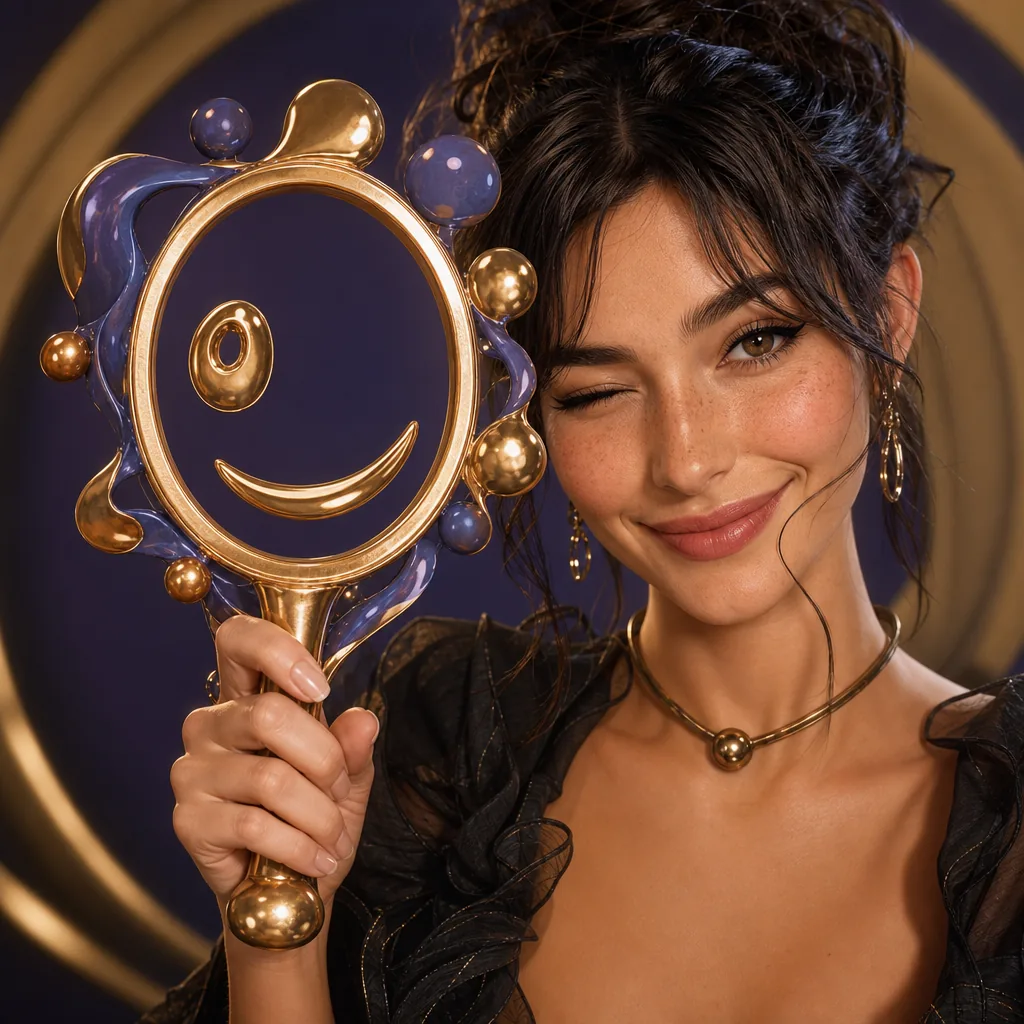
Esempio visuale di Prompt AI Face Rater prompt immagine
immagineimmagine editingentertainmentriferimento immagine
Istruzione
Sostituisci i segnaposto tra parentesi e regola camera, luce, formato e vincoli di output per il canale specifico.
Use the provided portrait photo as the base. Do NOT change the person’s face, expression, age, skin tone or gender. Just overlay a clean, minimal infographic on top.
Create a high-resolution vertical “FACIAL AESTHETIC REPORT” poster, studio lighting, soft beige background, premium beauty clinic style.
The subject can be MALE or FEMALE – keep them exactly as in the original photo. Add thin white lines and labels pointing to each area of the REAL face, with percentage scores based on global aesthetic ratios, symmetry and proportions (not changing the face):
1. Eyes: Label near the eyes with a line pointing to them: “Eyes Beauty – 0–100%”
2. Cheeks: Label near the cheekbones: “Cheeks Harmony – 0–100%”
3. Lips: Label close to the mouth: “Lips Shape – 0–100%”
4. Eyebrows: Label above or beside the brows: “Eyebrows Design – 0–100%”
5. Jaw & Chin: Label near the jawline and chin: “Jaw & Chin Definition – 0–100%”
6. Overall Facial Symmetry: Label near the center of the face: “Facial Symmetry – 0–100%”
At the bottom center of the poster, add a BIG, bold number inside a circle or rectangle: “OVERALL SCORE: XX%”
This is the average facial aesthetic score from 1–100% base on above scores
Design style:
– clean, style-focused, aesthetic-clinic infographic
– modern thin sans-serif typography
– white text and lines, subtle drop shadows
– no logos, no extra graphics, no text other than the labels and scores above.
Try to give a high score not less than 95%
Ideale per
AI Face Rater variants
riferimento guided edits
Reusable immagine workflows
Punti di partenza dei modelli
GPT Image 2Nano Banana 2Seedream 4Seedream 4.5

Template correlati

Porta avanti la campagna

Usa questi schemi vicini quando la stessa campagna richiede un altro formato di asset.

Esempio Prompt AI Patch prompt generator immagine
immaginemerchtesto prompt
AI Patch prompt generator immagine
Template pronto per la produzione per AI Patch prompt generator immagine, adatto a AI Patch Generator variants e testo to immagine starts e a workflow VisioArt ordinati.
Apri template
Esempio Prompt AI Age Change Filter prompt immagine
immagineimmagine editingappearance
AI Age Change Filter prompt immagine
Template pronto per la produzione per AI Age Change Filter prompt immagine, adatto a AI Age Change Filter variants e riferimento guided edits e a workflow VisioArt ordinati.
Apri template

Esempio Prompt AI Body Editor prompt immagine
immagineimmagine editingappearance
AI Body Editor prompt immagine
Template pronto per la produzione per AI Body Editor prompt immagine, adatto a AI Body Editor variants e riferimento guided edits e a workflow VisioArt ordinati.
Apri template

FAQ

FAQ AI Face Rater prompt immagine

Risposte chiare su flussi, modelli, prezzi e fit di produzione.

Template pronto per la produzione per AI Face Rater prompt immagine, adatto a AI Face Rater variants e riferimento guided edits e a workflow VisioArt ordinati.

Sì. Sostituisci i segnaposto tra parentesi, poi regola camera, luce, formato, dettagli e vincoli di output per il canale.

Parti dallo strumento consigliato nella pagina. Se movimento, realismo o stile richiedono un altro punto di forza, prova i percorsi modello vicini.

Usa questo template in VisioArt.

Apri lo strumento consigliato, incolla l’istruzione, sostituisci i segnaposto e prova il percorso modello più forte.

Apri lo strumento consigliatoSfoglia i template