Skip to content

Modèle de prompt

Modèle de prompt vidéo IA : Prompt AI Bloom effet photo image

Modèle prêt pour la production pour AI Bloom effet photo image, pensé pour AI Bloom effet photo variants et référence guided edits et des workflows VisioArt structurés.
Créer maintenantVoir les prix
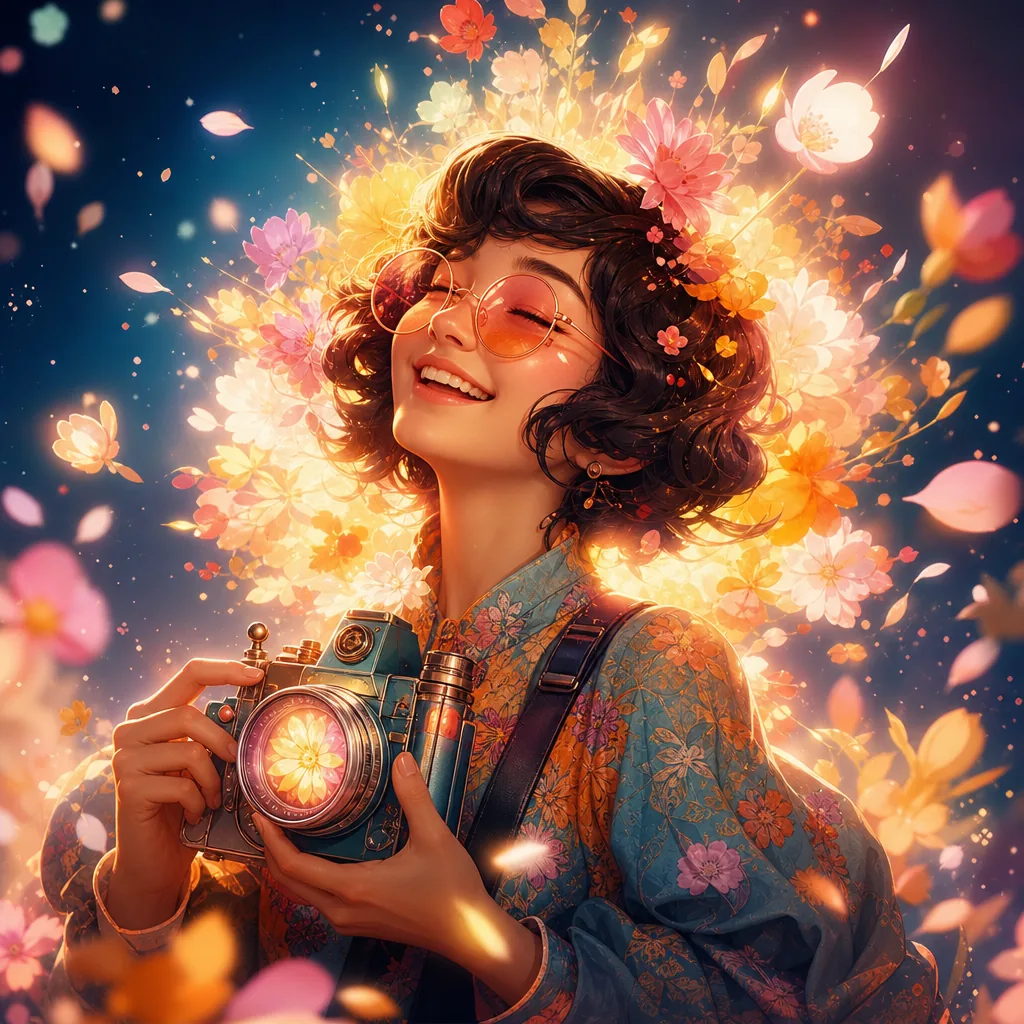
Exemple visuel Prompt AI Bloom effet photo image
imageimage retoucheentertainmentréférence image
Consigne
Remplacez les variables entre crochets, puis ajustez la caméra, la lumière, le format et les contraintes de sortie selon le canal.
Create an ultra-realistic portrait of the uploaded person (Do not change facial features of the person from the uploaded photo. Keep face of person 100% accurate from the reference image) lying peacefully on a meadow covered in soft, dreamy flowers. Instead of small wildflowers, fill the scene with larger, delicate blooms that naturally create a glowing “bloom” feeling: pale peonies, garden roses, ranunculus, anemones, and soft hydrangea clusters in pastel shades of blush pink, cream, peach, and lavender. The petals should look slightly translucent and layered, so that the light can softly pass through them and create a gentle halo around the edges. A few of these flowers rest lightly in the hair and around the shoulders, with some loose petals scattered on the grass. The petals closest to the light source should appear to glow subtly, as if softly illuminated from within, enhancing the dreamy bloom effect. Keep all other details the same:
– The person’s head rests gently on the grass, with strands of hair naturally spread around.
– Capture a relaxed, dreamy expression with eyes closed and a faint, calm smile.
– Sunlight filters softly through nearby leaves, casting dappled shadows and warm highlights across the face and shoulders.
– Use a shallow depth of field so the background fades into a soft blur, with some out-of-focus flowers and petals creating a gentle bokeh in the foreground.
– Color palette: warm and earthy greens and browns, balanced with pastel floral hues, cinematic and organic, never oversaturated.
– Camera & Style: top-down angle, 50mm or 85mm portrait lens, f/1.8, natural sunlight, cinematic, dreamy, ultra-detailed 8K realism, 1:1 or 4:5 portrait composition, no artificial elements or exaggerated colors.
Idéal pour
AI Bloom effet photo variants
référence guided edits
Reusable image workflows
Points de départ des modèles
GPT Image 2Nano Banana 2Seedream 4Seedream 4.5

Modèles liés

Poursuivre la campagne

Utilisez ces modèles proches lorsque la même campagne a besoin d’un autre format d’asset.

Exemple Prompt AI Patch prompt generator image
imagemerchtexte prompt
AI Patch prompt generator image
Modèle prêt pour la production pour AI Patch prompt generator image, pensé pour AI Patch Generator variants et texte to image starts et des workflows VisioArt structurés.
Ouvrir le modèle
Exemple Prompt AI Age Change Filter prompt image
imageimage retoucheappearance
AI Age Change Filter prompt image
Modèle prêt pour la production pour AI Age Change Filter prompt image, pensé pour AI Age Change Filter variants et référence guided edits et des workflows VisioArt structurés.
Ouvrir le modèle

Exemple Prompt AI Body Editor prompt image
imageimage retoucheappearance
AI Body Editor prompt image
Modèle prêt pour la production pour AI Body Editor prompt image, pensé pour AI Body Editor variants et référence guided edits et des workflows VisioArt structurés.
Ouvrir le modèle

FAQ

FAQ AI Bloom effet photo image

Réponses claires sur les workflows, modèles, tarifs et fit de production.

Modèle prêt pour la production pour AI Bloom effet photo image, pensé pour AI Bloom effet photo variants et référence guided edits et des workflows VisioArt structurés.

Oui. Remplacez les éléments entre crochets, puis ajustez caméra, lumière, format, détails et contraintes de sortie selon le canal.

Commencez par l’outil recommandé sur la page. Si le mouvement, le réalisme ou le style demandent une autre force de modèle, testez les chemins voisins.

Utilisez ce modèle dans VisioArt.

Ouvrez l’outil recommandé, collez la consigne, remplacez les variables, puis testez le meilleur chemin de modèle.

Ouvrir l’outil recommandéParcourir les modèles