Skip to content

Plantilla de prompt

Plantilla de prompt para video IA: Prompt de Selfie with Flowers AI prompt imagen

Plantilla lista para producción para Selfie with Flowers AI prompt imagen, pensada para Selfie with Flowers AI variants y referencia guided edits y flujos creativos claros en VisioArt.
Crear ahoraVer precios
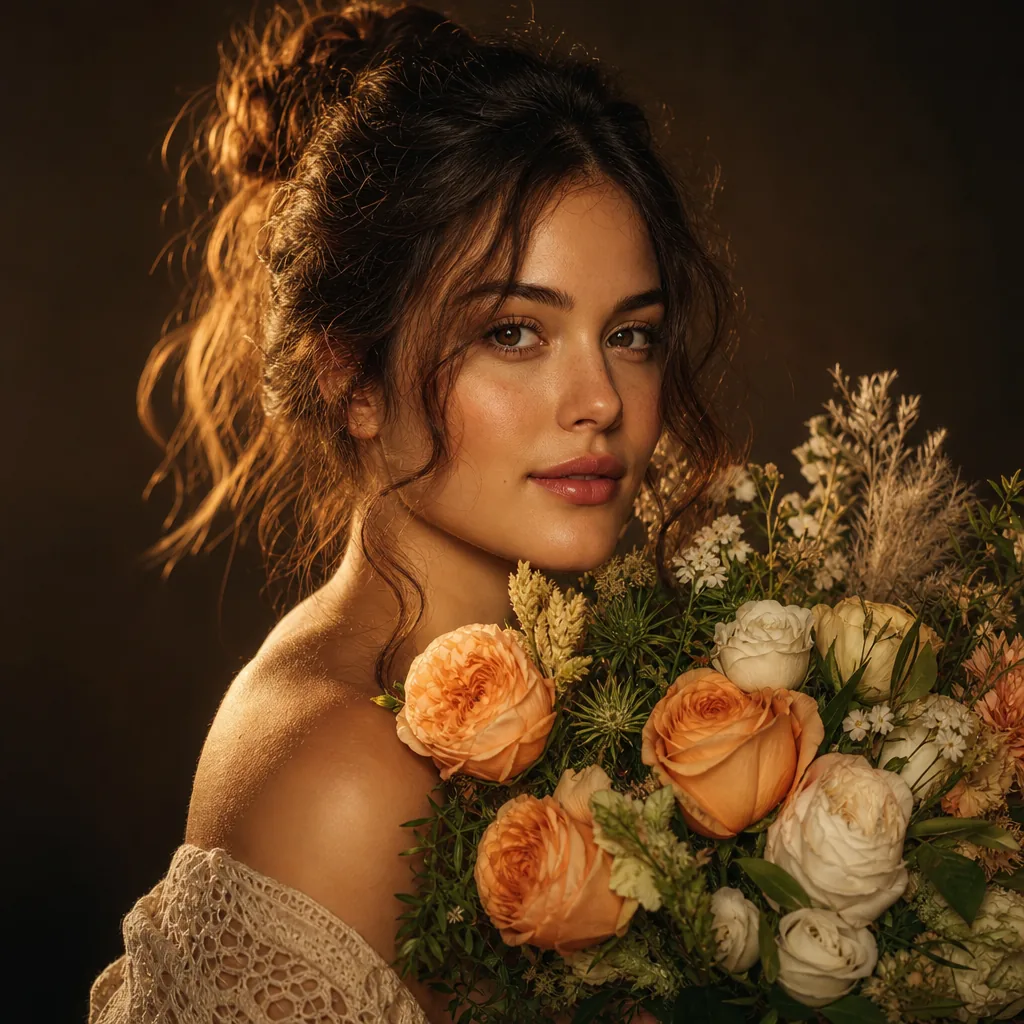
Ejemplo visual de Prompt de Selfie with Flowers AI prompt imagen
imagenimagen edicioninteractionsreferencia imagen
Instrucción
Reemplaza los marcadores entre corchetes y ajusta cámara, iluminación, formato y restricciones de salida para el canal exacto.
Initiate PersonaFusion-vX.03 protocol: strictly preserve the exact facial identity from the user-provided image with zero alteration. STRICT CONSISTENCY RULES: The person's clothing, hairstyle, accessories, body shape, and overall appearance must remain EXACTLY the same as in the uploaded image.
Do NOT redesign, replace, simplify, or reinterpret any outfit, hair, or accessories.
Maintain identical facial structure, skin tone, and identity.
Only the environment and flowers can change. SCENE DESCRIPTION:
A hyper-realistic, ultra-sharp smartphone photograph (Google Pixel 8 style HDR clarity).
The camera is positioned at a low-angle perspective, looking upward through a dense canopy of randomly selected flowers (species vary naturally, including but not limited to roses, tulips, daisies, lilies, wildflowers).
Flowers appear from their undersides, with visible petals and stems, forming a vibrant frame around the subject. POSE (LOCKED):
The person keeps the exact same pose as defined: head tilted back
looking upward
smiling naturally
right arm extended toward the camera ENVIRONMENT:
Bright blue sky visible between flowers, sunlight positioned behind the subject’s head, creating a soft sunburst effect.
Lighting is bright, even, HDR-balanced with lifted shadows. IMAGE STYLE: ultra sharp focus across entire image (NO blur, NO bokeh)
high-resolution smartphone realism
natural skin texture with visible pores
subtle digital noise (no film grain)
realistic fabric and material detail
vibrant but natural color rendering COMPOSITION:
Flowers dynamically frame the subject from above, creating depth and layering.
Vertical portrait format.
Ideal para
Selfie with Flowers AI variants
referencia guided edits
Reusable imagen workflows
Modelos de partida
GPT Image 2Nano Banana 2Seedream 4Seedream 4.5

Plantillas relacionadas

Mantén la campaña en marcha

Usa estos patrones cercanos cuando la misma campaña necesite otro formato de pieza.

Ejemplo de Prompt de AI Patch prompt generator imagen
imagenmerchtexto prompt
AI Patch prompt generator imagen
Plantilla lista para producción para AI Patch prompt generator imagen, pensada para AI Patch Generator variants y texto to imagen starts y flujos creativos claros en VisioArt.
Abrir plantilla
Ejemplo de Prompt de AI Age Change Filter prompt imagen
imagenimagen edicionappearance
AI Age Change Filter prompt imagen
Plantilla lista para producción para AI Age Change Filter prompt imagen, pensada para AI Age Change Filter variants y referencia guided edits y flujos creativos claros en VisioArt.
Abrir plantilla

Ejemplo de Prompt de AI Body Editor prompt imagen
imagenimagen edicionappearance
AI Body Editor prompt imagen
Plantilla lista para producción para AI Body Editor prompt imagen, pensada para AI Body Editor variants y referencia guided edits y flujos creativos claros en VisioArt.
Abrir plantilla

Preguntas frecuentes

Preguntas frecuentes de Selfie with Flowers AI prompt imagen

Respuestas claras sobre flujos, modelos, precios y encaje de producción.

Plantilla lista para producción para Selfie with Flowers AI prompt imagen, pensada para Selfie with Flowers AI variants y referencia guided edits y flujos creativos claros en VisioArt.

Sí. Sustituye los marcadores entre corchetes y ajusta cámara, luz, formato, detalles y restricciones de salida según el canal.

Empieza con la herramienta recomendada en la página. Si necesitas otra ventaja de movimiento, realismo o estilo, prueba los modelos cercanos.

Usa esta plantilla en VisioArt.

Abre la herramienta recomendada, pega la instrucción, reemplaza los marcadores y prueba la ruta de modelo más fuerte.

Abrir herramienta recomendadaExplorar plantillas