Skip to content

Plantilla de prompt

Plantilla de prompt para video IA: Prompt de AI movimiento Blur imagen

Plantilla lista para producción para AI movimiento Blur imagen, pensada para AI movimiento Blur variants y referencia guided edits y flujos creativos claros en VisioArt.
Crear ahoraVer precios
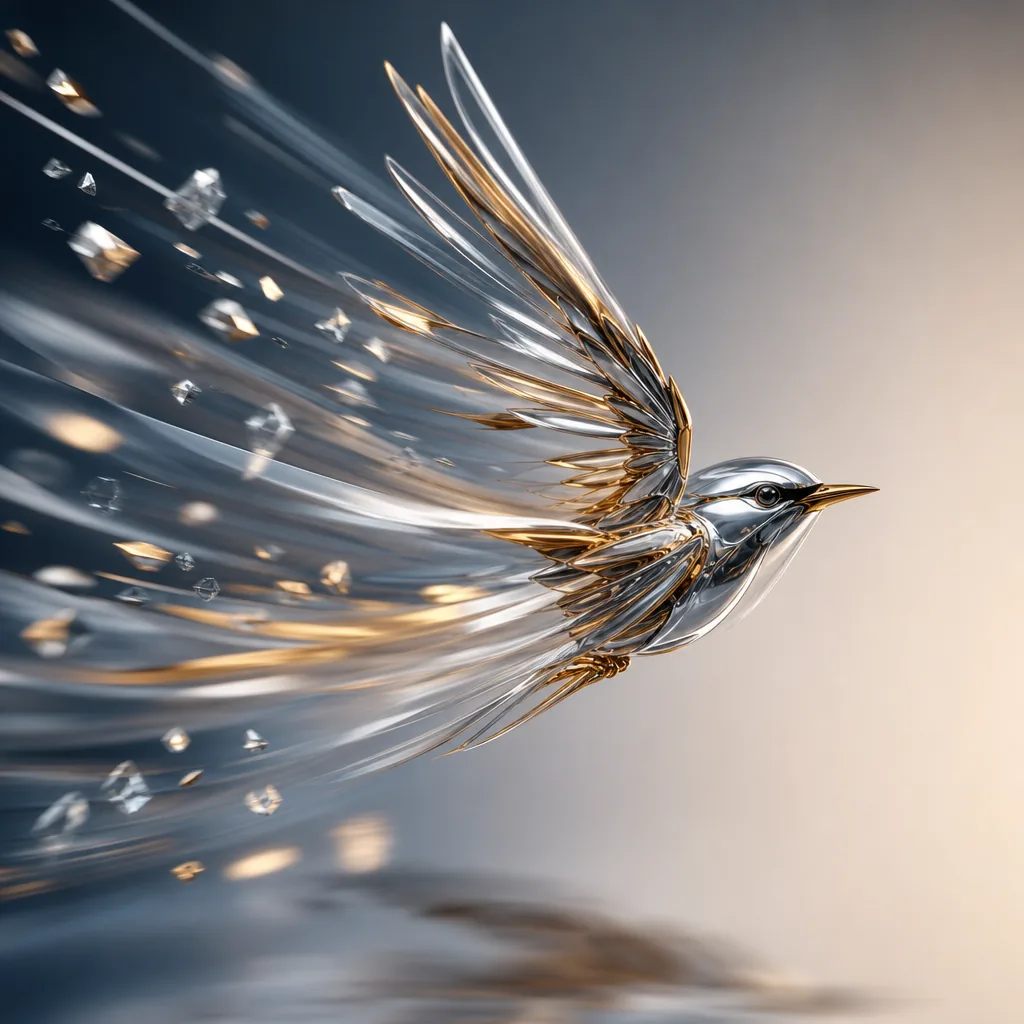
Ejemplo visual de Prompt de AI movimiento Blur imagen
imagenimagen edicionotherreferencia imagen
Instrucción
Reemplaza los marcadores entre corchetes y ajusta cámara, iluminación, formato y restricciones de salida para el canal exacto.
Analyze the uploaded image and infer the real motion relationship between the main subject, the surrounding environment, and the camera. Do not apply blur based only on whether something is moving. Instead, determine motion blur from relative motion and photographic behavior. First identify the focal subject, the moving regions, the static regions, and the most likely camera behavior, such as a fixed camera, camera panning, subject tracking, or slight camera shake. Then apply realistic motion blur only where it would naturally appear in a real photograph. If the image shows a stationary subject while another object moves past, keep the stationary subject sharp and apply directional blur only to the moving object. If the image shows a moving subject that the camera is tracking, keep the main subject relatively sharp while applying stronger directional blur to the surrounding environment, road, lights, or background. If the image shows a moving subject captured by a fixed camera, allow stronger blur on the subject itself. If both subject and camera move partially together, preserve the subject core while allowing natural blur on edges, limbs, wheels, and nearby background regions. Scale blur intensity, trail length, and edge streaking according to the implied speed and relative motion. Faster relative motion should create stronger and longer blur; slower relative motion should create lighter and shorter blur. Respect scene depth, occlusion, focus, and spatial layering so the result feels physically plausible. Preserve identity, facial features, body proportions, object structure, composition, perspective, colors, lighting, materials, and overall scene content. The final image must look like a real photograph captured with authentic motion blur from real movement or camera exposure, not a generic digital blur filter. Avoid full-image blur, random smearing, ghosting, double edges, fake speed lines, melted structures, inconsistent blur directions, or loss of key subject recognizability.
Ideal para
AI movimiento Blur variants
referencia guided edits
Reusable imagen workflows
Modelos de partida
GPT Image 2Nano Banana 2Seedream 4Seedream 4.5

Plantillas relacionadas

Mantén la campaña en marcha

Usa estos patrones cercanos cuando la misma campaña necesite otro formato de pieza.

Ejemplo de Prompt de AI Patch prompt generator imagen
imagenmerchtexto prompt
AI Patch prompt generator imagen
Plantilla lista para producción para AI Patch prompt generator imagen, pensada para AI Patch Generator variants y texto to imagen starts y flujos creativos claros en VisioArt.
Abrir plantilla
Ejemplo de Prompt de AI Age Change Filter prompt imagen
imagenimagen edicionappearance
AI Age Change Filter prompt imagen
Plantilla lista para producción para AI Age Change Filter prompt imagen, pensada para AI Age Change Filter variants y referencia guided edits y flujos creativos claros en VisioArt.
Abrir plantilla

Ejemplo de Prompt de AI Body Editor prompt imagen
imagenimagen edicionappearance
AI Body Editor prompt imagen
Plantilla lista para producción para AI Body Editor prompt imagen, pensada para AI Body Editor variants y referencia guided edits y flujos creativos claros en VisioArt.
Abrir plantilla

Preguntas frecuentes

Preguntas frecuentes de AI movimiento Blur imagen

Respuestas claras sobre flujos, modelos, precios y encaje de producción.

Plantilla lista para producción para AI movimiento Blur imagen, pensada para AI movimiento Blur variants y referencia guided edits y flujos creativos claros en VisioArt.

Sí. Sustituye los marcadores entre corchetes y ajusta cámara, luz, formato, detalles y restricciones de salida según el canal.

Empieza con la herramienta recomendada en la página. Si necesitas otra ventaja de movimiento, realismo o estilo, prueba los modelos cercanos.

Usa esta plantilla en VisioArt.

Abre la herramienta recomendada, pega la instrucción, reemplaza los marcadores y prueba la ruta de modelo más fuerte.

Abrir herramienta recomendadaExplorar plantillas