Skip to content

Prompt-Vorlage

AI-Video-Prompt-Vorlage: AI Hijab Foto generator Bild Prompt

Produktionsreife Vorlage für AI Hijab Foto generator Bild, geeignet für AI Hijab Foto Generator variants und Referenz guided edits und klare VisioArt-Workflows.
Jetzt erstellenPreise ansehen
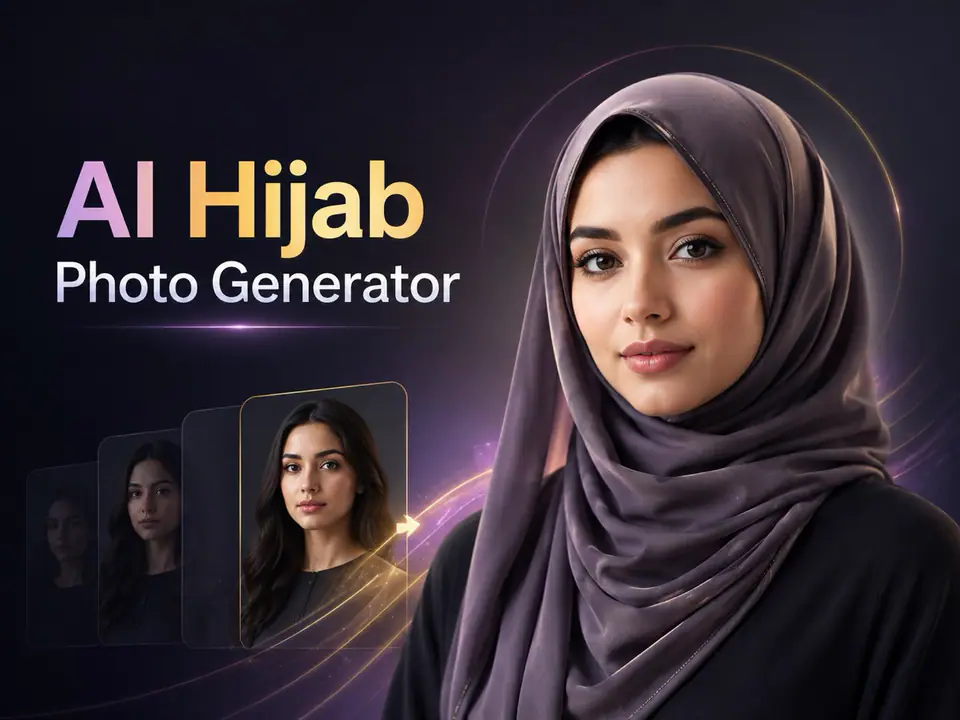
Visuelles Beispiel für AI Hijab Foto generator Bild Prompt
BildBild BearbeitungappearanceReferenz Bild
Eingabe
Ersetze die Platzhalter in Klammern und passe Kamera, Licht, Format und Ausgabegrenzen an den Kanal an.
You are an expert AI photo editor for an AI Hijab Photo Generator. The user has uploaded a portrait or personal photo. Edit the uploaded image by adding or transforming the hijab according to the selected hijab style prompt appended after this instruction. Preserve the person's identity, face shape, facial features, skin tone, expression, pose, body proportions, camera angle, background, and overall photo composition. Do not change the person into someone else. Do not beautify excessively. Keep the result natural, respectful, realistic, and culturally appropriate. Apply the hijab in a physically believable way. The hijab should cover the hair naturally and fit around the head, neck, and shoulders according to the selected style. Make the fabric look realistic with natural folds, soft shadows, highlights, texture, thickness, and proper interaction with the face, ears, neck, clothing, and lighting. Match the hijab color, material, and style to the selected prompt while keeping the image elegant and modest. If the original image already contains a hijab, replace or restyle it according to the selected style while preserving the person's face and overall appearance. If no specific style is provided, generate a clean, modern, elegant hijab look suitable for a high-quality profile photo. Maintain realistic lighting, perspective, depth of field, image quality, and background consistency. Remove obvious AI artifacts, distorted fabric, unnatural edges, extra limbs, duplicate faces, warped facial features, messy hair leakage, strange shadows, and unrealistic textures. Do not add text, logos, watermarks, captions, symbols, religious labels, political elements, or decorative graphics unless explicitly requested. Do not change the person's ethnicity, age, gender presentation, facial identity, or expression. Do not make the image sexualized, offensive, mocking, or culturally insensitive. Generate only the final edited image. The result should look like a realistic professional photo edit, not a costume, sticker, filter, or illustration.
Am besten geeignet für
AI Hijab Foto Generator variants
Referenz guided edits
Reusable Bild workflows
Modell-Startpunkte
GPT Image 2Nano Banana 2Seedream 4Seedream 4.5

Ähnliche Vorlagen

Die Kampagne weiterführen

Nutze diese benachbarten Eingabemuster, wenn dieselbe Kampagne ein weiteres Asset-Format braucht.

AI Patch Prompt generator Bild Prompt Beispiel
BildmerchText Prompt
AI Patch Prompt generator Bild
Produktionsreife Vorlage für AI Patch Prompt generator Bild, geeignet für AI Patch Generator variants und Text to Bild starts und klare VisioArt-Workflows.
Vorlage öffnen
AI Age Change Filter Prompt Bild Prompt Beispiel
BildBild Bearbeitungappearance
AI Age Change Filter Prompt Bild
Produktionsreife Vorlage für AI Age Change Filter Prompt Bild, geeignet für AI Age Change Filter variants und Referenz guided edits und klare VisioArt-Workflows.
Vorlage öffnen

AI Body Editor Prompt Bild Prompt Beispiel
BildBild Bearbeitungappearance
AI Body Editor Prompt Bild
Produktionsreife Vorlage für AI Body Editor Prompt Bild, geeignet für AI Body Editor variants und Referenz guided edits und klare VisioArt-Workflows.
Vorlage öffnen

FAQ

AI Hijab Foto generator Bild FAQ

Klare Antworten zu Workflows, Modellwahl, Preisen und Produktions-Fit.

Produktionsreife Vorlage für AI Hijab Foto generator Bild, geeignet für AI Hijab Foto Generator variants und Referenz guided edits und klare VisioArt-Workflows.

Ja. Ersetze die Platzhalter in eckigen Klammern und passe Kamera, Licht, Format, Details und Ausgaberegeln an den Kanal an.

Starte mit dem empfohlenen Tool auf der Seite. Wenn Bewegung, Realismus oder Stil andere Modellstärken brauchen, teste die benachbarten Modellpfade.

Nutze diese Vorlage in VisioArt.

Öffne das empfohlene Tool, füge die Eingabe ein, ersetze die Platzhalter und teste den stärksten Modellpfad.

Empfohlenes Tool öffnenVorlagen durchsuchen