Skip to content

Prompt-Vorlage

AI-Video-Prompt-Vorlage: AI Face Rater Prompt Bild Prompt

Produktionsreife Vorlage für AI Face Rater Prompt Bild, geeignet für AI Face Rater variants und Referenz guided edits und klare VisioArt-Workflows.
Jetzt erstellenPreise ansehen
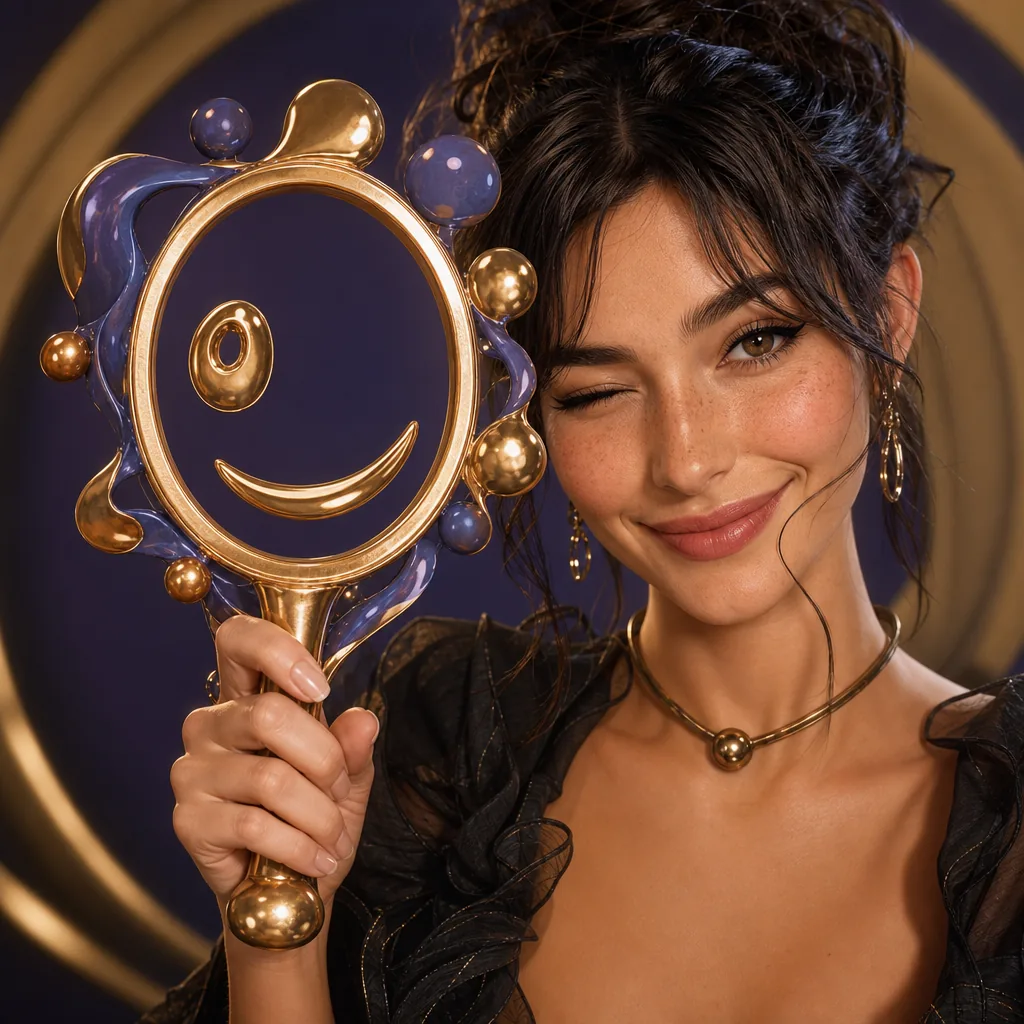
Visuelles Beispiel für AI Face Rater Prompt Bild Prompt
BildBild BearbeitungentertainmentReferenz Bild
Eingabe
Ersetze die Platzhalter in Klammern und passe Kamera, Licht, Format und Ausgabegrenzen an den Kanal an.
Use the provided portrait photo as the base. Do NOT change the person’s face, expression, age, skin tone or gender. Just overlay a clean, minimal infographic on top.
Create a high-resolution vertical “FACIAL AESTHETIC REPORT” poster, studio lighting, soft beige background, premium beauty clinic style.
The subject can be MALE or FEMALE – keep them exactly as in the original photo. Add thin white lines and labels pointing to each area of the REAL face, with percentage scores based on global aesthetic ratios, symmetry and proportions (not changing the face):
1. Eyes: Label near the eyes with a line pointing to them: “Eyes Beauty – 0–100%”
2. Cheeks: Label near the cheekbones: “Cheeks Harmony – 0–100%”
3. Lips: Label close to the mouth: “Lips Shape – 0–100%”
4. Eyebrows: Label above or beside the brows: “Eyebrows Design – 0–100%”
5. Jaw & Chin: Label near the jawline and chin: “Jaw & Chin Definition – 0–100%”
6. Overall Facial Symmetry: Label near the center of the face: “Facial Symmetry – 0–100%”
At the bottom center of the poster, add a BIG, bold number inside a circle or rectangle: “OVERALL SCORE: XX%”
This is the average facial aesthetic score from 1–100% base on above scores
Design style:
– clean, style-focused, aesthetic-clinic infographic
– modern thin sans-serif typography
– white text and lines, subtle drop shadows
– no logos, no extra graphics, no text other than the labels and scores above.
Try to give a high score not less than 95%
Am besten geeignet für
AI Face Rater variants
Referenz guided edits
Reusable Bild workflows
Modell-Startpunkte
GPT Image 2Nano Banana 2Seedream 4Seedream 4.5

Ähnliche Vorlagen

Die Kampagne weiterführen

Nutze diese benachbarten Eingabemuster, wenn dieselbe Kampagne ein weiteres Asset-Format braucht.

AI Patch Prompt generator Bild Prompt Beispiel
BildmerchText Prompt
AI Patch Prompt generator Bild
Produktionsreife Vorlage für AI Patch Prompt generator Bild, geeignet für AI Patch Generator variants und Text to Bild starts und klare VisioArt-Workflows.
Vorlage öffnen
AI Age Change Filter Prompt Bild Prompt Beispiel
BildBild Bearbeitungappearance
AI Age Change Filter Prompt Bild
Produktionsreife Vorlage für AI Age Change Filter Prompt Bild, geeignet für AI Age Change Filter variants und Referenz guided edits und klare VisioArt-Workflows.
Vorlage öffnen

AI Body Editor Prompt Bild Prompt Beispiel
BildBild Bearbeitungappearance
AI Body Editor Prompt Bild
Produktionsreife Vorlage für AI Body Editor Prompt Bild, geeignet für AI Body Editor variants und Referenz guided edits und klare VisioArt-Workflows.
Vorlage öffnen

FAQ

AI Face Rater Prompt Bild FAQ

Klare Antworten zu Workflows, Modellwahl, Preisen und Produktions-Fit.

Produktionsreife Vorlage für AI Face Rater Prompt Bild, geeignet für AI Face Rater variants und Referenz guided edits und klare VisioArt-Workflows.

Ja. Ersetze die Platzhalter in eckigen Klammern und passe Kamera, Licht, Format, Details und Ausgaberegeln an den Kanal an.

Starte mit dem empfohlenen Tool auf der Seite. Wenn Bewegung, Realismus oder Stil andere Modellstärken brauchen, teste die benachbarten Modellpfade.

Nutze diese Vorlage in VisioArt.

Öffne das empfohlene Tool, füge die Eingabe ein, ersetze die Platzhalter und teste den stärksten Modellpfad.

Empfohlenes Tool öffnenVorlagen durchsuchen