Skip to content

قالب مطالبة

قالب مطالبة فيديو AI: مطالبة AI Bloom تأثير صورة صورة

قالب جاهز للإنتاج لـ AI Bloom تأثير صورة صورة، مناسب لـ AI Bloom تأثير صورة variants ومرجعي guided edits مع بنية مطالبة واضحة داخل VisioArt.
ابدأ الإنشاءعرض الأسعار
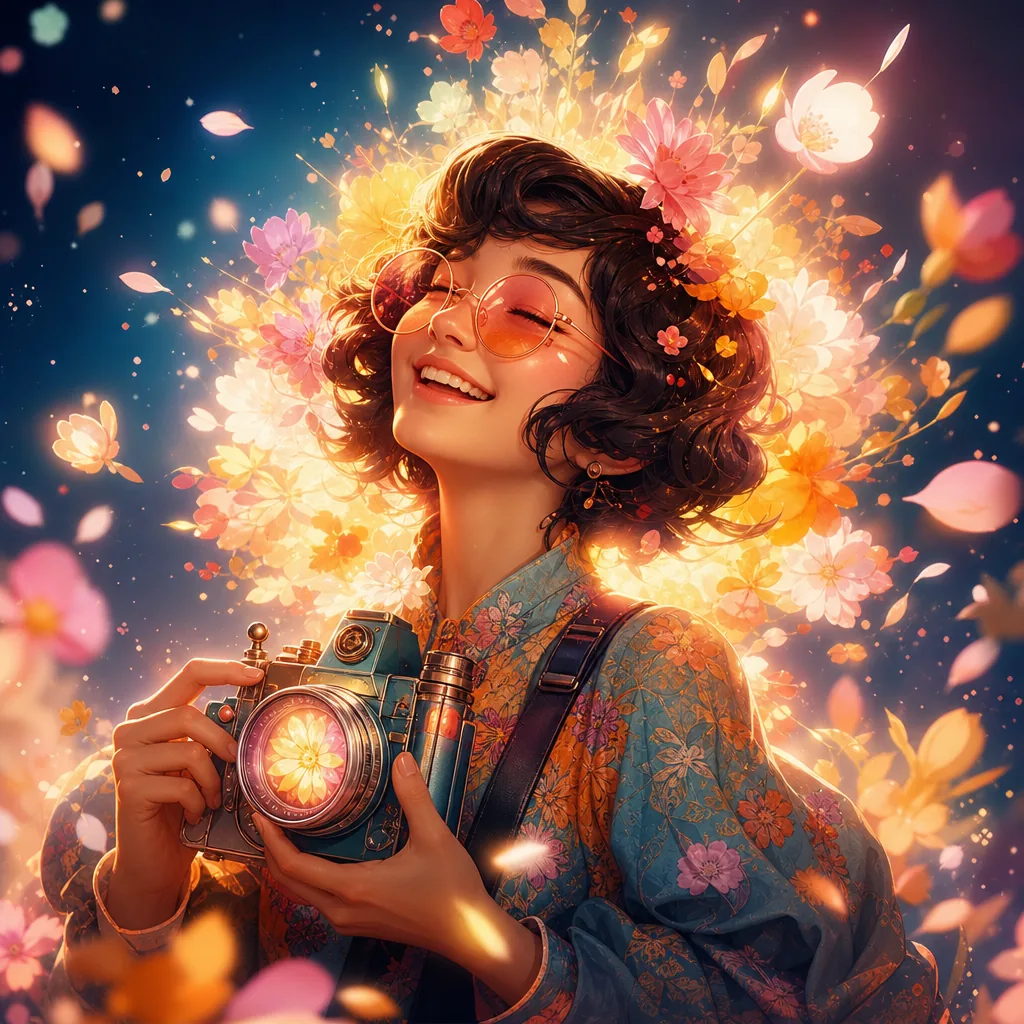
مثال مرئي لقالب مطالبة AI Bloom تأثير صورة صورة
صورةصورة تحريرentertainmentمرجعي صورة
المطالبة
استبدل العناصر بين الأقواس، ثم اضبط الكاميرا والإضاءة والتنسيق وقيود الإخراج حسب القناة.
Create an ultra-realistic portrait of the uploaded person (Do not change facial features of the person from the uploaded photo. Keep face of person 100% accurate from the reference image) lying peacefully on a meadow covered in soft, dreamy flowers. Instead of small wildflowers, fill the scene with larger, delicate blooms that naturally create a glowing “bloom” feeling: pale peonies, garden roses, ranunculus, anemones, and soft hydrangea clusters in pastel shades of blush pink, cream, peach, and lavender. The petals should look slightly translucent and layered, so that the light can softly pass through them and create a gentle halo around the edges. A few of these flowers rest lightly in the hair and around the shoulders, with some loose petals scattered on the grass. The petals closest to the light source should appear to glow subtly, as if softly illuminated from within, enhancing the dreamy bloom effect. Keep all other details the same:
– The person’s head rests gently on the grass, with strands of hair naturally spread around.
– Capture a relaxed, dreamy expression with eyes closed and a faint, calm smile.
– Sunlight filters softly through nearby leaves, casting dappled shadows and warm highlights across the face and shoulders.
– Use a shallow depth of field so the background fades into a soft blur, with some out-of-focus flowers and petals creating a gentle bokeh in the foreground.
– Color palette: warm and earthy greens and browns, balanced with pastel floral hues, cinematic and organic, never oversaturated.
– Camera & Style: top-down angle, 50mm or 85mm portrait lens, f/1.8, natural sunlight, cinematic, dreamy, ultra-detailed 8K realism, 1:1 or 4:5 portrait composition, no artificial elements or exaggerated colors.
الأفضل لـ
AI Bloom تأثير صورة variants
مرجعي guided edits
Reusable صورة workflows
نقاط بدء النماذج
GPT Image 2Nano Banana 2Seedream 4Seedream 4.5

قوالب ذات صلة

واصل بناء الحملة

استخدم أنماط المطالبات القريبة عندما تحتاج الحملة نفسها إلى صيغة إضافية للأصل.

مثال مطالبة AI Patch مطالبة generator صورة
صورةmerchنص مطالبة
AI Patch مطالبة generator صورة
قالب جاهز للإنتاج لـ AI Patch مطالبة generator صورة، مناسب لـ AI Patch Generator variants ونص to صورة starts مع بنية مطالبة واضحة داخل VisioArt.
افتح القالب
مثال مطالبة AI Age Change Filter مطالبة صورة
صورةصورة تحريرappearance
AI Age Change Filter مطالبة صورة
قالب جاهز للإنتاج لـ AI Age Change Filter مطالبة صورة، مناسب لـ AI Age Change Filter variants ومرجعي guided edits مع بنية مطالبة واضحة داخل VisioArt.
افتح القالب

مثال مطالبة AI Body Editor مطالبة صورة
صورةصورة تحريرappearance
AI Body Editor مطالبة صورة
قالب جاهز للإنتاج لـ AI Body Editor مطالبة صورة، مناسب لـ AI Body Editor variants ومرجعي guided edits مع بنية مطالبة واضحة داخل VisioArt.
افتح القالب

الأسئلة الشائعة

أسئلة AI Bloom تأثير صورة صورة الشائعة

إجابات واضحة حول سير العمل، اختيار النماذج، الأسعار، وملاءمة الإنتاج.

قالب جاهز للإنتاج لـ AI Bloom تأثير صورة صورة، مناسب لـ AI Bloom تأثير صورة variants ومرجعي guided edits مع بنية مطالبة واضحة داخل VisioArt.

نعم. استبدل العناصر بين الأقواس، ثم عدل الكاميرا والإضاءة والنسبة والتفاصيل حسب القناة والنموذج.

ابدأ بالأداة الموصى بها في الصفحة، ثم اختبر مسارات النماذج القريبة عندما تحتاج إلى حركة أو واقعية أو أسلوب مختلف.

استخدم هذا القالب داخل VisioArt.

افتح الأداة الموصى بها، الصق المطالبة، استبدل العناصر النائبة، ثم اختبر أقوى مسار للنموذج.

افتح الأداة الموصى بهاتصفح القوالب